




You're shopping for a charger. The spec sheet says "USB-C PD 3.0, 20W per port, 100W total, GaN." You know some of those words. But what do they actually mean for the device you're about to plug in?
This guide breaks down USB-C Power Delivery in plain terms — what the numbers mean, which ones matter for your devices, and which ones are just marketing.
In short: USB-C Power Delivery (PD) is a negotiation protocol in which the device requests power and the charger supplies up to what the port, the cable, and the shared total allow. Charging speed is set by the lowest of four limits: what the device can accept, what the charger port outputs, what the cable is rated for, and — on multi-port chargers — the share of total wattage still available.

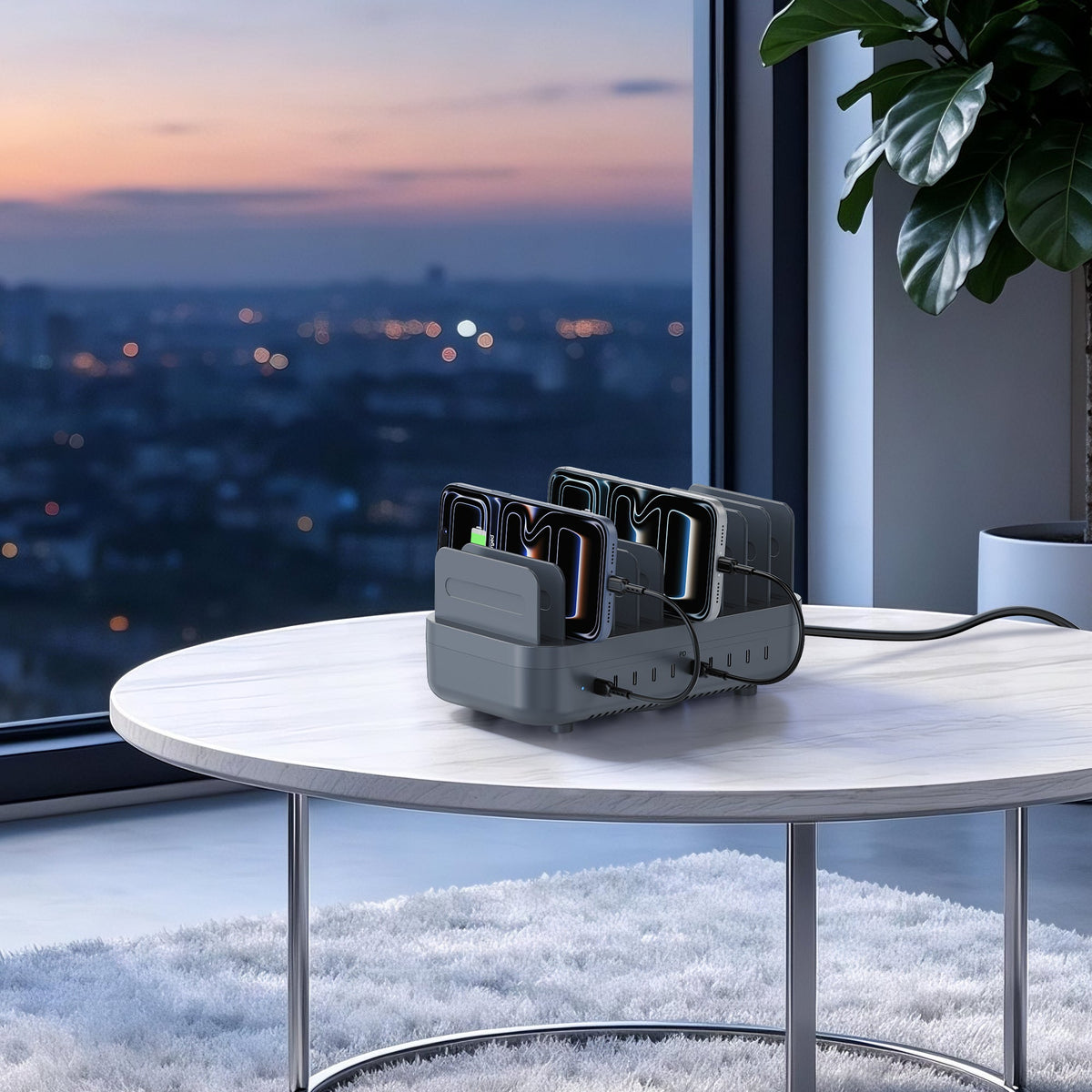
AI-generated conceptual illustration, not a product photograph or test result.
What Is USB-C Power Delivery?
USB-C Power Delivery (PD) is a charging standard that lets a charger and a device talk to each other. When you plug in your phone, the charger asks: "How much power do you need?" The phone replies: "20W, please." The charger delivers exactly 20W.
This negotiation happens automatically, every time you plug in. It's why one charger can charge a phone at 20W, a tablet at 30W, and a laptop at 65W — the same port adapts to whatever's connected.
Older USB standards (USB-A, USB 2.0) delivered a fixed amount of power — usually 5W (5V × 1A). That's why old chargers are slow. PD lets devices request much more power, up to 240W with the latest PD 3.1 specification.
Watts: The Only Number That Matters for Speed
Watts (W) = Volts (V) × Amps (A). It's the total amount of power flowing to your device. More watts = faster charging — up to the limit your device supports.
Here's what different wattages actually mean in practice:
- 5W — The old standard. Charges an iPhone overnight. Barely enough for modern devices.
- 12–15W — Standard wireless charging speed. Decent for overnight, slow during the day.
- 20W — The sweet spot for phones. An iPhone 16 reaches 50% in about 30 minutes at 20W. Most Android phones hit their fast-charging limit here too.
- 30–45W — Enough for tablets (iPad, Samsung Galaxy Tab) and some laptops. A 30W port charges an iPad Pro at full speed.
- 65–100W — Laptop territory. A MacBook Air charges at 67W; a MacBook Pro 16-inch wants 140W. Most Windows laptops need 45–65W.
- 140–240W — High-performance laptops and gaming devices. The latest PD 3.1 standard reaches 240W, but most consumer devices don't need it yet.
The key insight: a device only draws the power it needs. Plugging a phone (20W max) into a 100W port doesn't damage it — the phone requests 20W and the port delivers 20W. The extra capacity is unused, not forced.
Per-Port vs. Total Wattage: The Difference That Tricks People

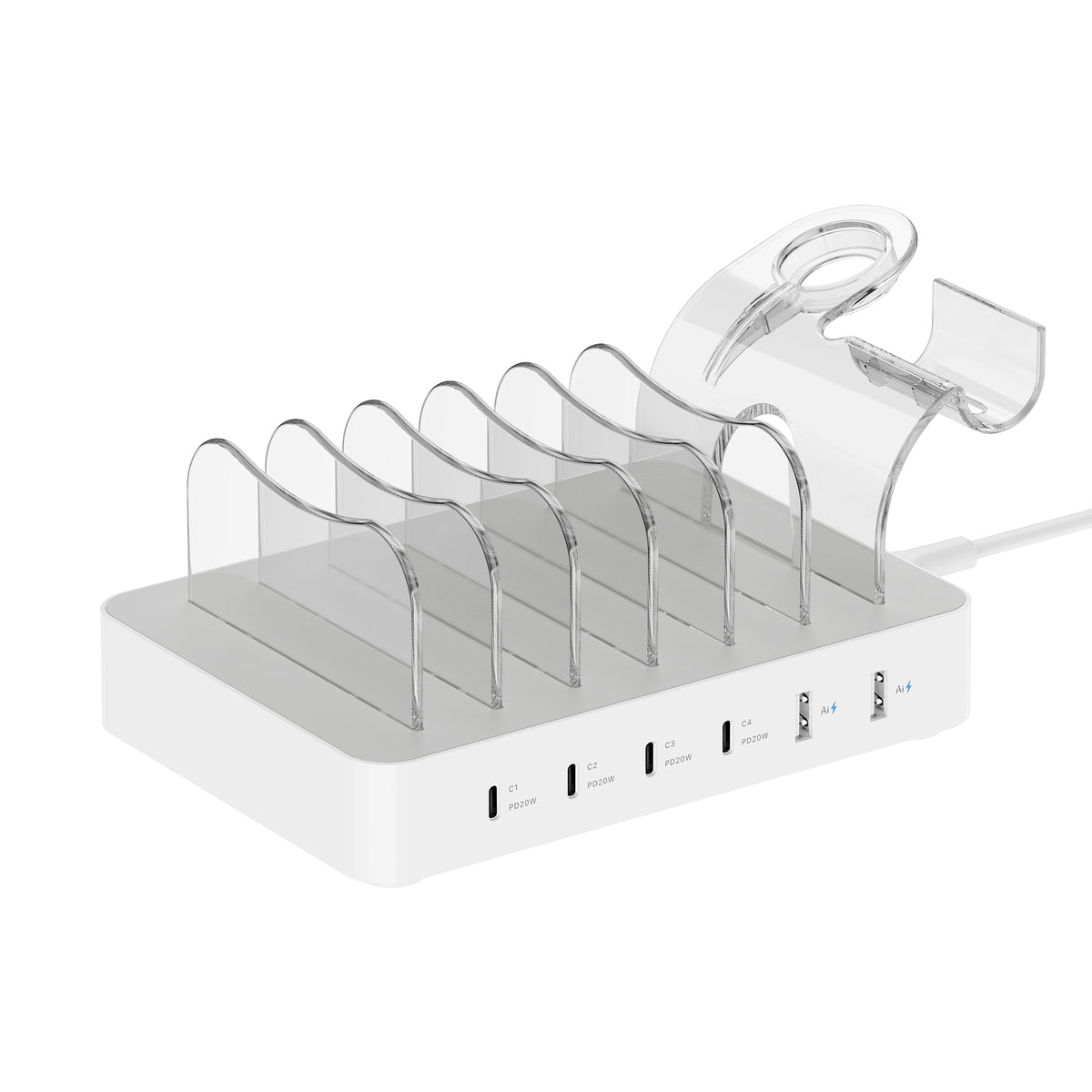
AI-generated conceptual illustration. Check the manufacturer's specifications for actual power allocation.
This is where charger specs get confusing. A charger might advertise "100W" — but that's the total power shared across all ports.
Verified examples from the SooPii lineup show the two designs side by side:
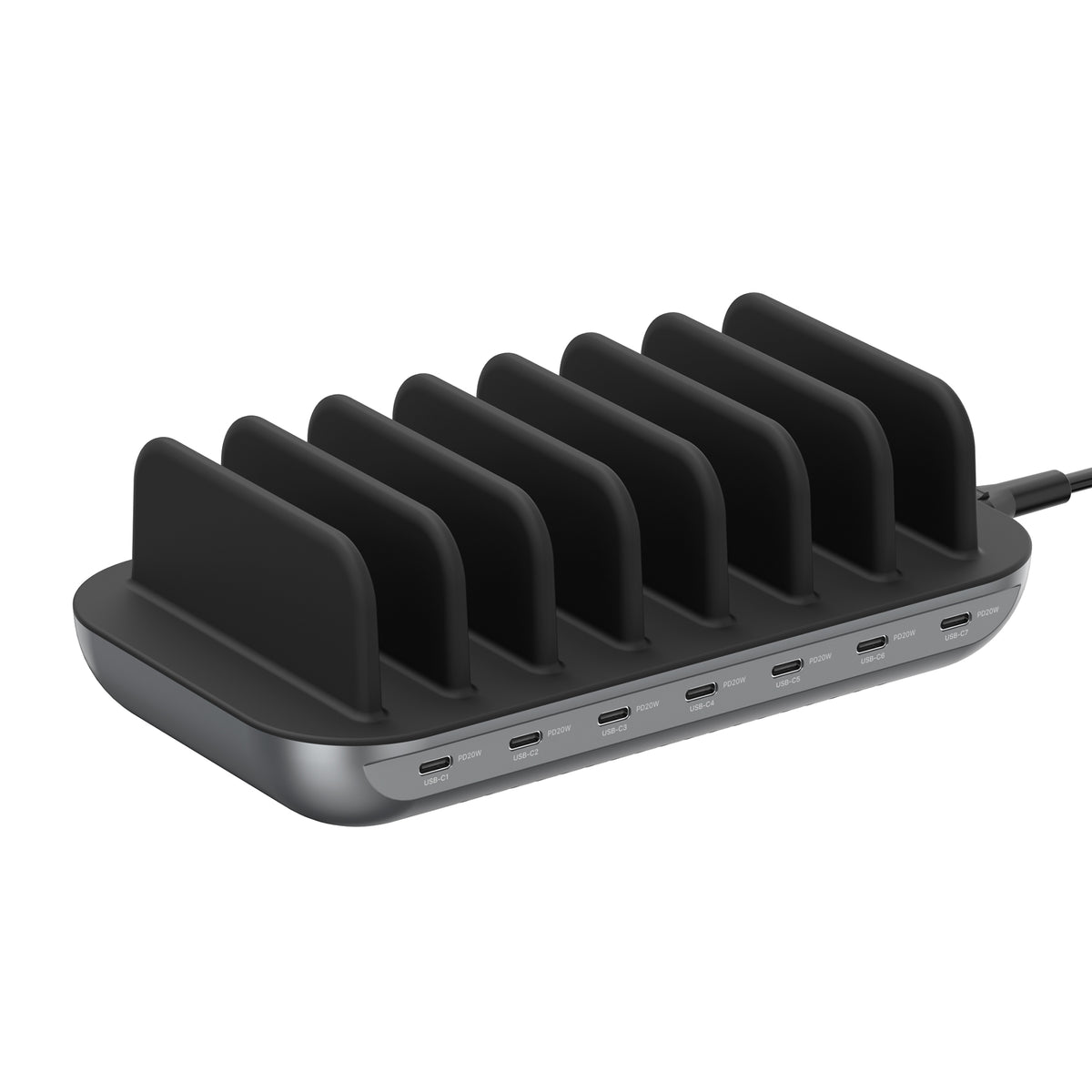
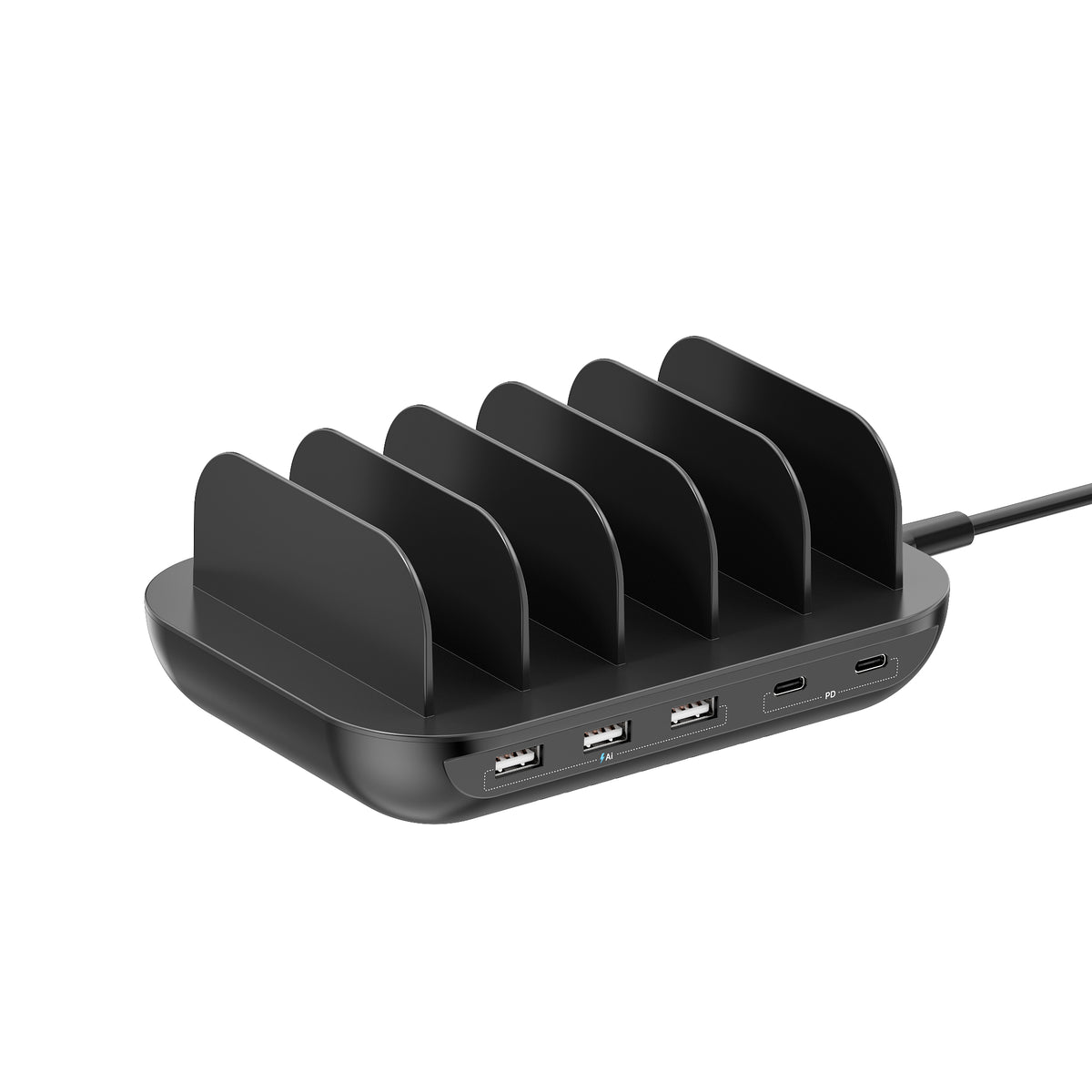
- CS101 — 100W shared. Each of the ten USB-C ports delivers up to 20W, but the ten ports draw from one 100W budget. Five phones charging at 20W each use the full budget; plug in a sixth device and the station reallocates. This design suits households where ports fill gradually, and it is why the spec reads "20W max per port, 100W total" — not 20W on all ten ports at once, which would require 200W.
- CS200 — 200W, independent 20W ports. Ten ports × 20W = 200W total, so every port holds its full 20W even when all ten are in use. Nothing slows down as devices are added.
The arithmetic to check on any spec sheet: per-port output × port count versus advertised total. If per-port × ports exceeds the total, the wattage is shared and real-world speed depends on how many devices draw at once.
What to look for: the spec sheet should list both total wattage AND per-port output. "200W total, 20W per port" is clear. "200W" alone is ambiguous.
USB-C PD Versions: Does It Matter?
USB-C PD has gone through several versions. Here's what's relevant:
- PD 2.0 — Supports up to 100W. Covers phones, tablets, and most laptops. Still common and perfectly fine for everyday use.
- PD 3.0 — Adds PPS (Programmable Power Supply), which lets the charger fine-tune voltage in smaller increments. This reduces heat and improves efficiency. Most modern chargers use PD 3.0.
- PD 3.1 — Extends the range to 240W. Only relevant if you're charging a high-performance laptop or gaming device. For phones and tablets, PD 3.0 is identical in practice.
For a family charging station with phones, tablets, and earbuds, PD 3.0 with 20W per port is all you need. PD 3.1 is a future-proofing feature for laptop users.
GaN: What It Actually Changes
GaN stands for gallium nitride — it's a semiconductor material used inside the charger instead of traditional silicon. The practical difference:
- Smaller size. GaN chargers run more efficiently, which means less wasted heat, which means the charger can be physically smaller while delivering the same power.
- Cooler operation. Less heat means the charger doesn't throttle (reduce power) as quickly when multiple ports are in use.
- No difference in charging speed. A 20W GaN port charges a phone at the same speed as a 20W silicon port. GaN affects the charger's size and efficiency, not the power your device receives.
GaN is a genuine improvement, but it's an engineering advantage, not a charging-speed advantage. If two chargers both deliver 20W per port, the GaN one will be smaller and cooler — but your phone charges at the same speed either way.
How Power Is Allocated When Multiple Devices Charge
A multi-port charger runs one power supply shared by every port. The allocation logic works like this:
- Each connected device negotiates its own PD contract — a phone typically requests 20W (9V × 2.22A), a tablet 30W, a laptop 65W or more.
- The charger checks the remaining budget: total wattage minus what other ports are already supplying.
- If the requested power fits in what remains, the device gets it. If not, the charger offers a lower profile — the phone charges at 10W instead of 20W, slower but safe.
- When a device finishes or unplugs, its share returns to the pool and remaining devices can renegotiate upward.
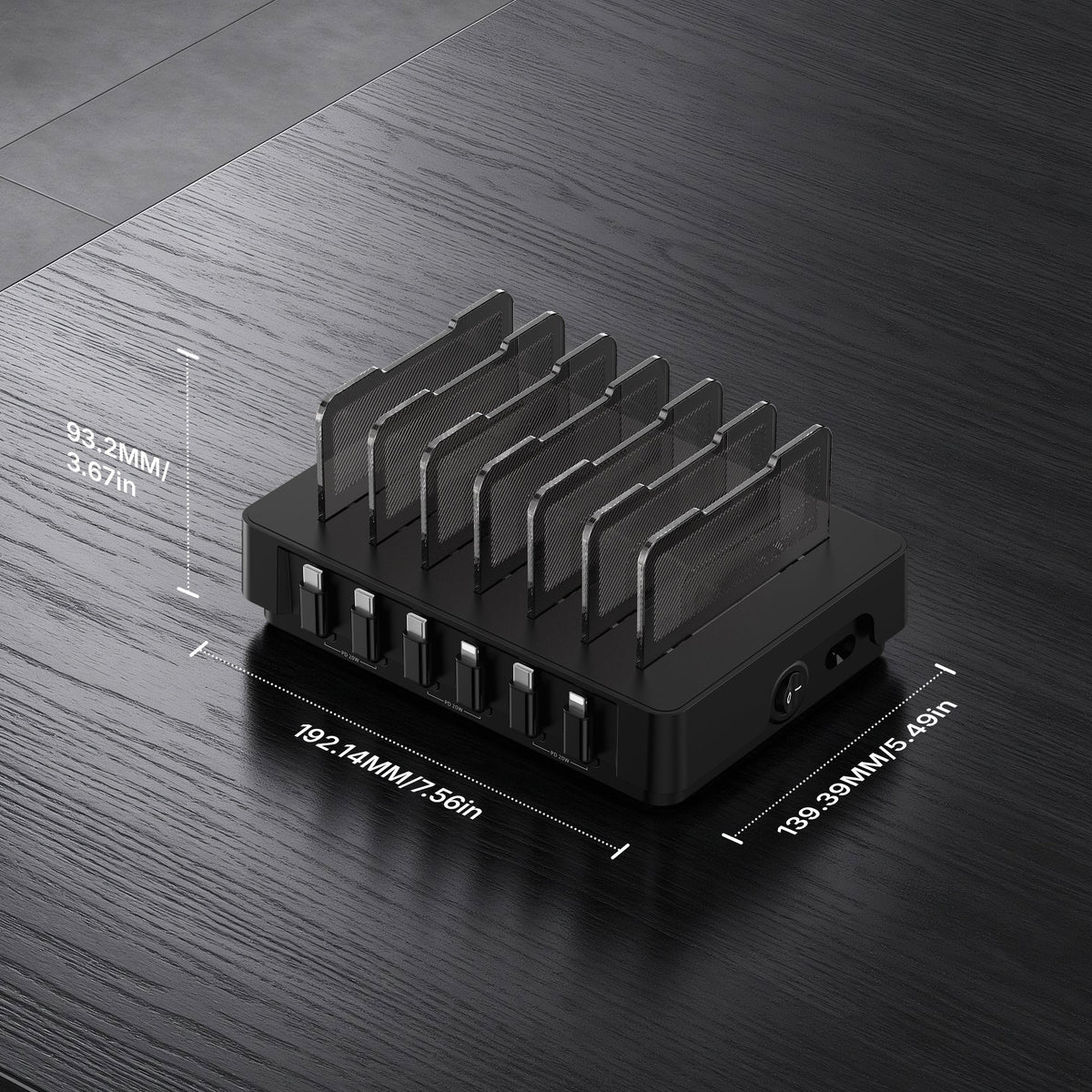
This is why a "100W" station is not slow or fast in the abstract — it depends on the load. On the CS101, four phones at 20W leave 20W of headroom; ten phones at once average 10W each. On the CS70 Pro (140W, seven ports × 20W independent), all seven ports hold 20W simultaneously because 7 × 20W = 140W exactly. Sizing rule: count the devices that charge at the same time, multiply by their per-device need, and pick a station whose total covers that product.
Choosing the Right Cable Rating
The cable is a hard ceiling on speed, independent of the charger and device. A 240W charger and a 240W-capable laptop still charge at 60W through a 60W cable.
- 60W (20V × 3A) — covers phones, tablets, earbuds and power banks. Every SooPii charging-station port outputs 20–25W, so a 60W cable like the S33CC (8-inch, 10-pack — one per station port) never bottlenecks a station setup.
- 100W (20V × 5A) — the rating for most laptops. Requires an E-Mark chip: a small controller in the connector that tells the charger the cable can safely carry 5A. Without the chip, the charger defaults to 60W.
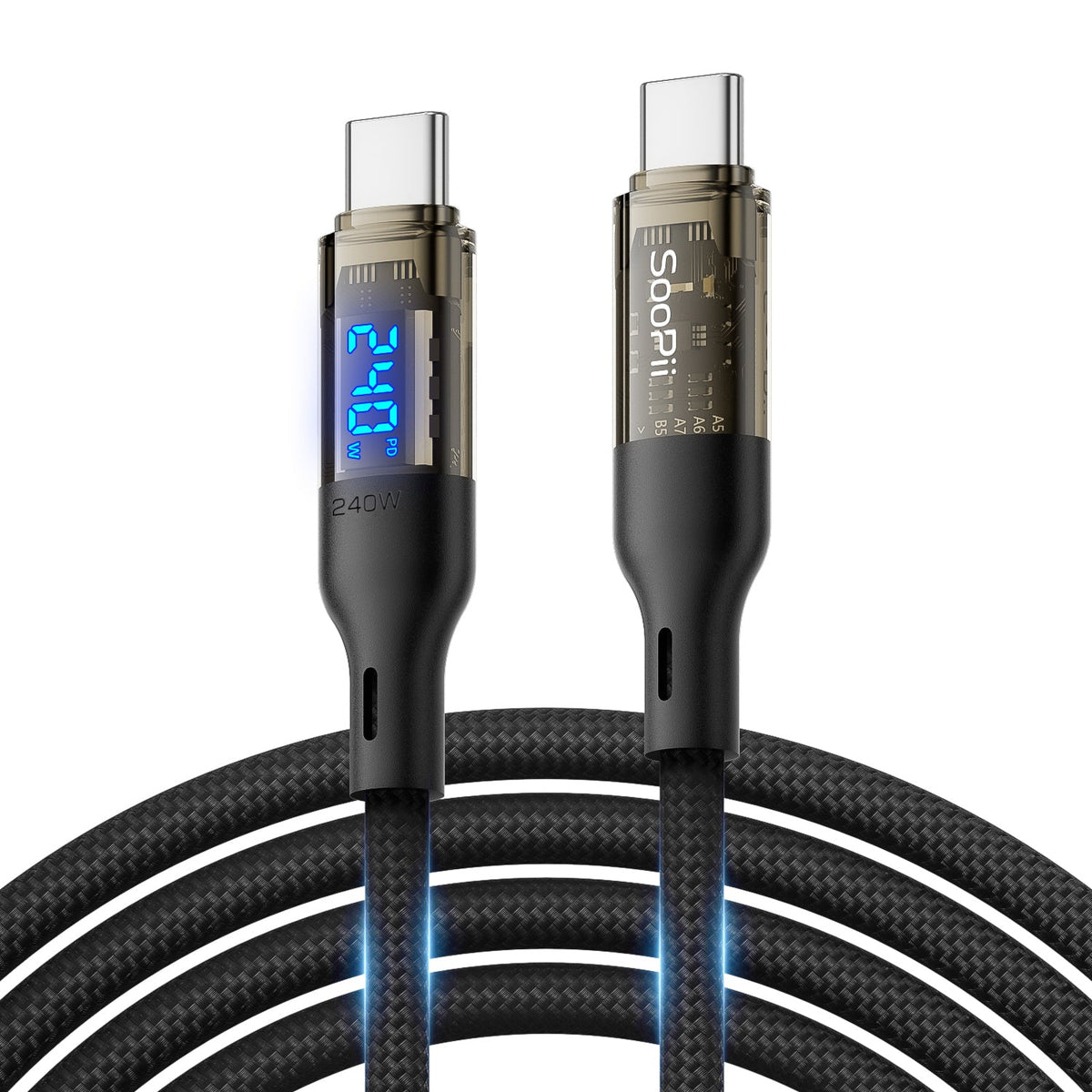
- 240W (PD 3.1, up to 48V × 5A) — high-performance laptops only. The E-Mark chip is mandatory, and both the charger and the device must support PD 3.1. The S70CC and S86 carry E-Mark chips; the LED on SooPii display cables shows the negotiated wattage live, so you can see whether a 240W contract actually formed.
Matching rule of thumb: cable rating ≥ charger's per-port output. Higher-rated cables are always safe — the device still draws only what it requests.
What This Means for Your Buying Decision
Here's the simplified framework:
- Phones and earbuds: 20W USB-C PD per port is the target. Anything more is wasted on these devices.
- Tablets: 20–30W per port charges most tablets at full speed.
- Laptops: 45–65W per port for standard laptops. Check your laptop's charger — it usually prints the wattage on the label.
- Multiple devices: multiply your per-port need by the number of devices. That's your minimum total wattage.
The rest — GaN, PD version, cable quality — are secondary factors that affect form factor and efficiency, not whether your phone charges fast enough.
Related SooPii Collections
- USB charging stations — 4 to 10 ports, 22W to 200W, with per-port and shared-wattage comparisons.
- 10-port charging stations — CS101 (shared 100W), CS102 (USB-C + USB-A), CS200 (independent 20W ports).
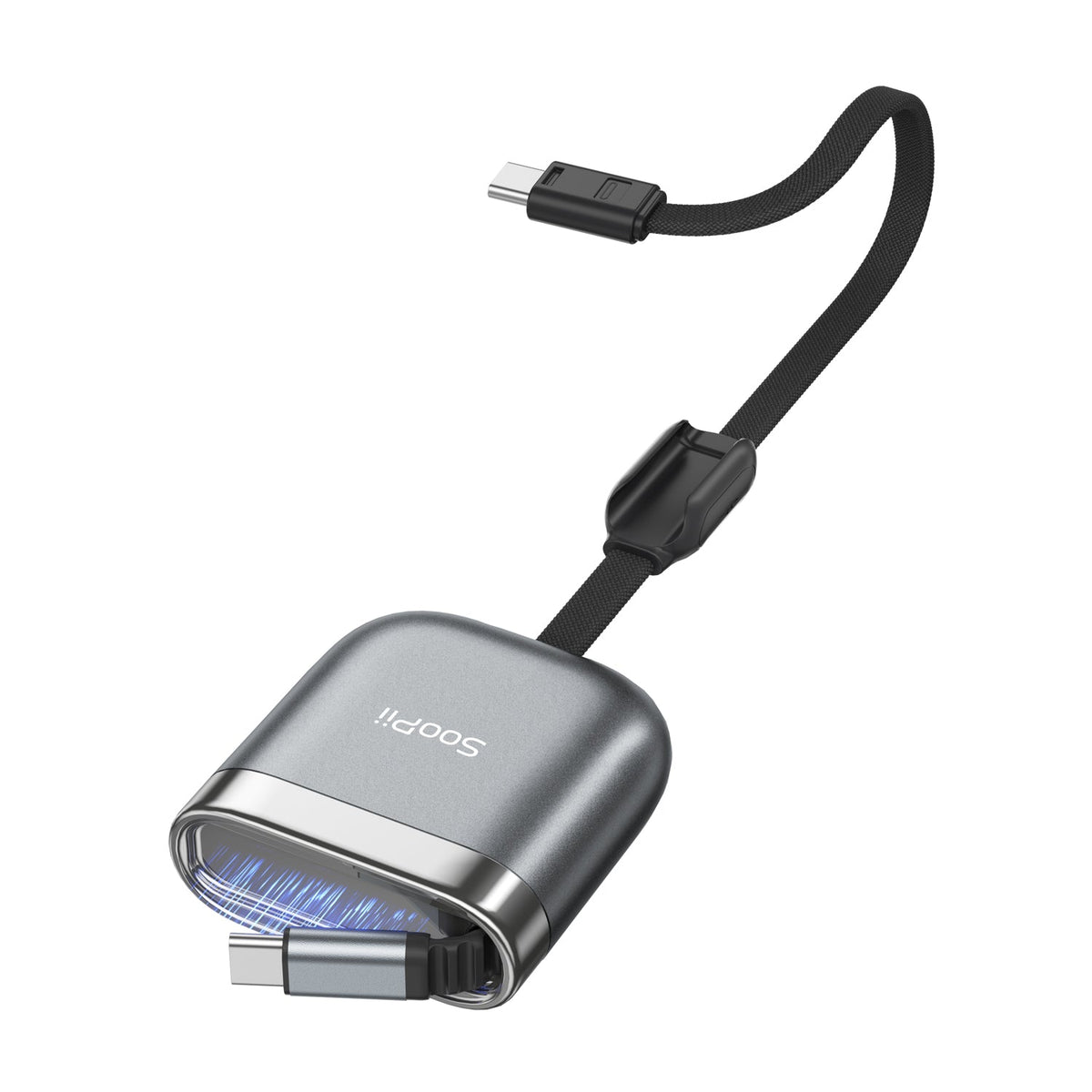
- USB-C cables — 60W to 240W, LED wattage display and retractable designs.
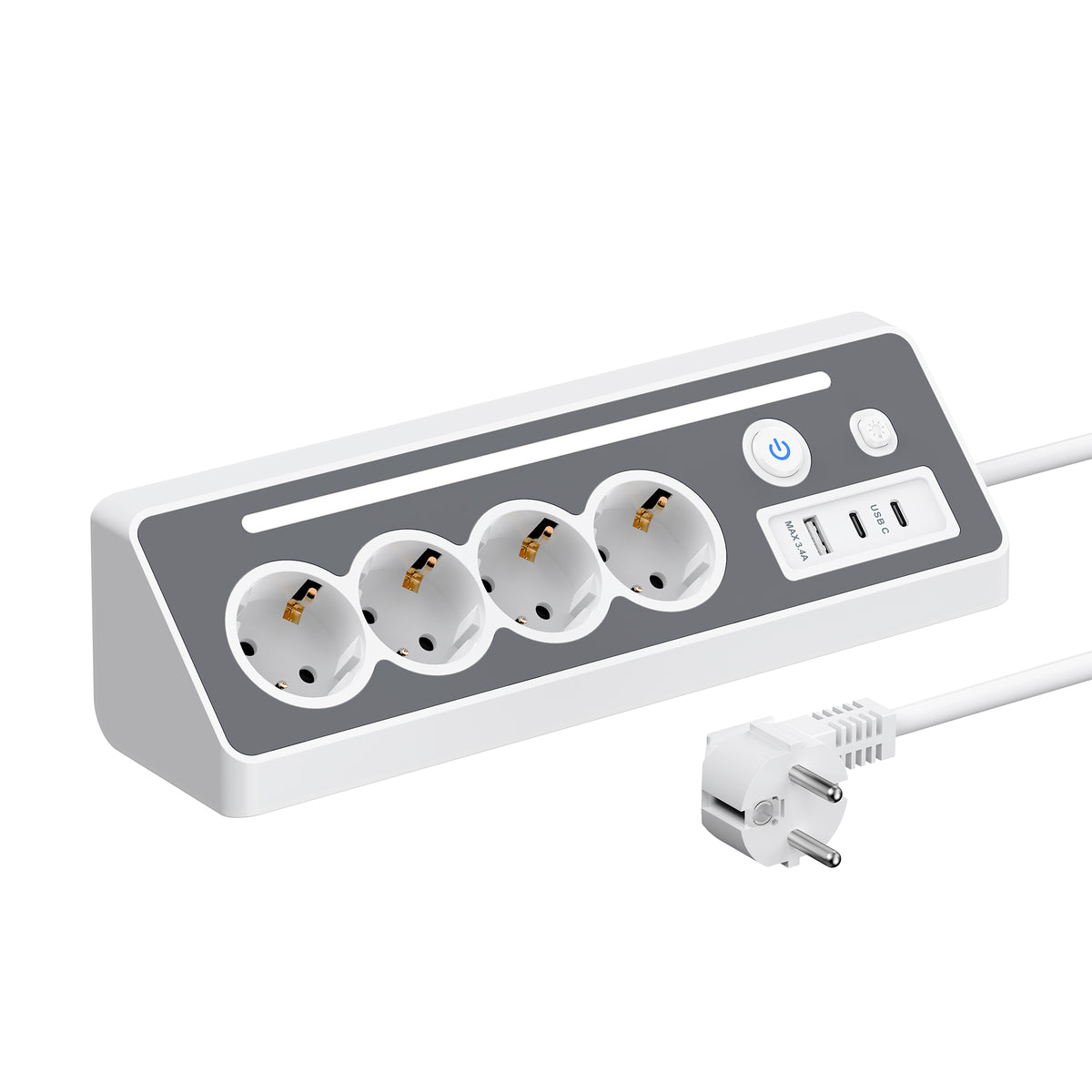
- Power strips with USB-C — for laptops and AC devices a USB-only station cannot power.
Frequently Asked Questions
Will a higher-wattage charger damage my phone?
No. PD is request-based: the phone asks for what it supports (typically 20W) and the charger supplies that amount. A 100W port charges a 20W phone at 20W. Damage would require the charger to force power, which the PD protocol does not allow.
What does "shared wattage" mean on a multi-port charger?
All ports draw from one total budget. A 100W shared station with ten 20W ports can run five devices at full 20W, but ten devices at once average 10W each. An "independent" port design matches total wattage to per-port × port count (e.g., 200W = 10 × 20W), so every port holds full speed under full load.
Do I need a 240W cable for fast charging?
Only for PD 3.1 laptops. Phones and tablets need 60W-rated cables at most, since station ports output 20–25W. Laptops up to 100W need a 100W E-Mark cable. 240W cables are for high-performance laptops whose chargers negotiate PD 3.1 — and both cable and device must support it.
Why does my charging station slow down when I plug in more devices?
The total wattage is being reallocated. On a shared-power station, each new device takes a slice of the same budget, so existing devices may drop to a lower PD profile. This is normal behavior, not a fault. If every port must hold full speed under full load, choose a station whose total equals per-port output × port count, like the CS200 (200W, ten independent 20W ports).
Sources & Further Reading
- USB Implementers Forum — USB Power Delivery specification (PD 3.1 / 240W standard, E-Mark requirements)
- Apple Support — Fast-charge your iPhone (20W PD fast-charging figures)
- SooPii model specifications: CS101, CS200, CS70 Pro, S33CC, S70CC, S86 product pages (port layouts and output verified against published specs, November 2026)
Written by the SooPii team. Last updated November 16, 2026. Specifications cited from SooPii product pages and the USB-IF PD specification; charging-time figures from device manufacturers' published fast-charge documentation.