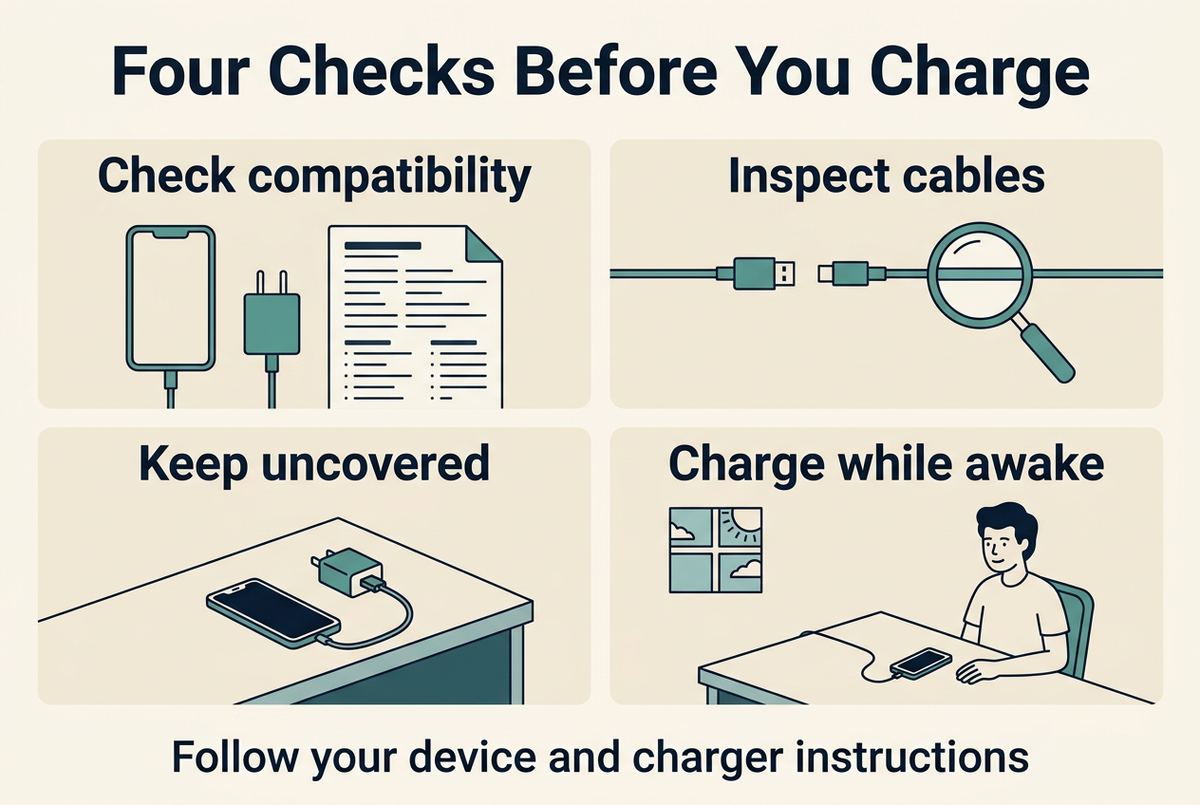




Three numbers decide which charging station you need: how many ports you fill on a normal evening, how much power one port can deliver, and whether your cables are USB-C or USB-A. Wattage on the box is the least useful of the three on its own, because total wattage is shared across every port.
Short answer: a desk with two phones and a tablet needs six ports and 60–90W. A household where four people charge every night needs ten ports and 100W or more. If your cables are already all USB-C, buy a USB-C-only unit; if you still have USB-A cables in the drawer, buy a mixed unit and stop hunting for adapters.
How many ports do you actually need?
Count the devices that charge at the same time, not the devices you own. Most desks top out at four: a phone, a tablet, earbuds and a watch. Households with children usually hit eight to ten, because everyone plugs in at the same hour before bed.
Six ports covers a single desk or a couple. Ten ports covers a family or a shared workspace. Anything between six and ten ports is mostly a difference in how many cables you want to leave plugged in permanently.
Why does a 60W station not charge every device at 60W?
Because total wattage is shared. A 60W six-port unit splits that 60W across whichever ports are active, so six phones plugged in at once each get roughly a tenth of the total. When a device asks for more, the station reallocates from ports that are idle.
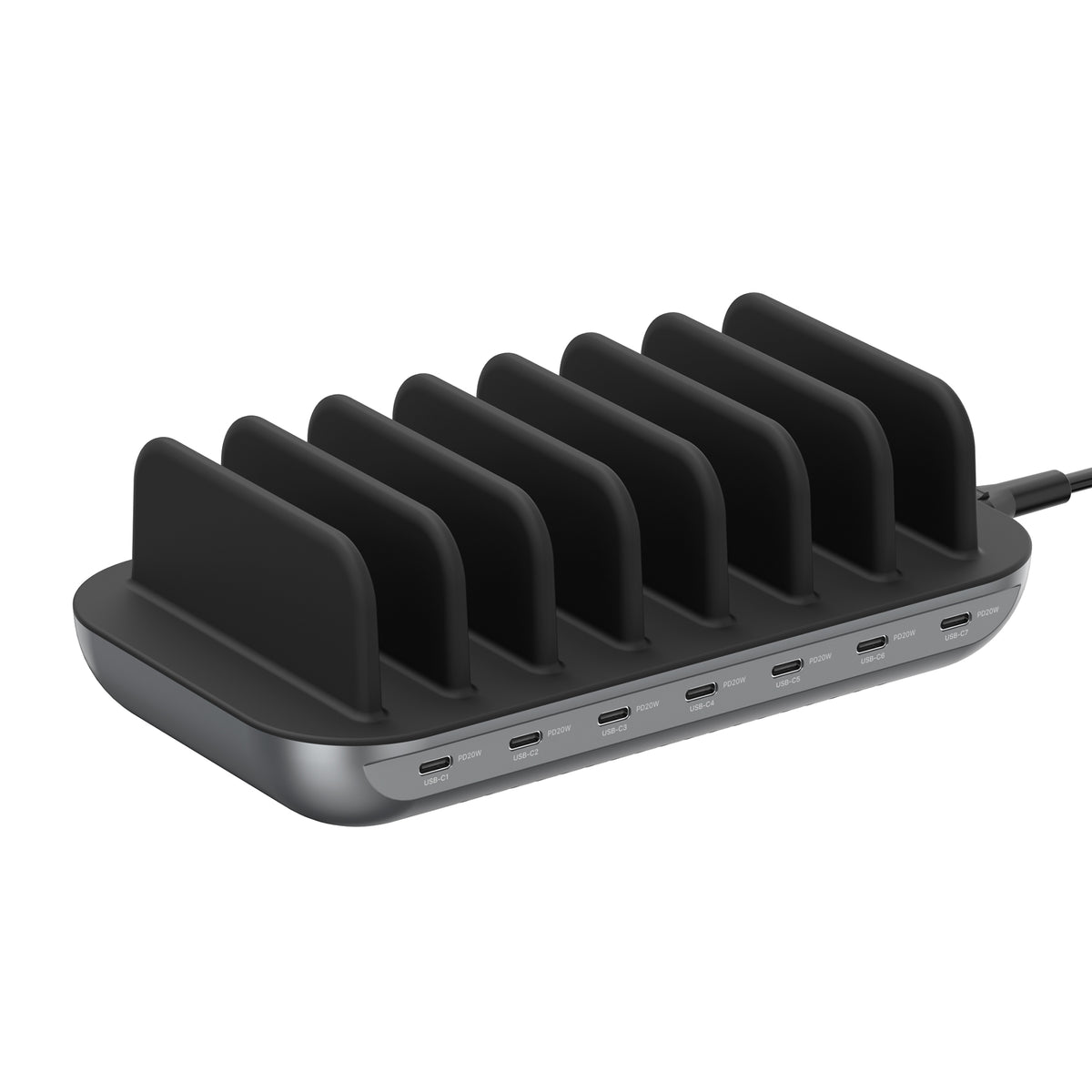
This is why you should look at two numbers instead of one: total wattage and maximum single-port output. The CS70 Pro, for example, is rated 140W total with 20W dedicated to each of its seven ports — every port holds its full 20W even when all seven are in use, because 7 × 20W = 140W exactly. A 60W six-port unit shares its budget, so the same tablet charges more slowly once other ports are drawing.
USB Power Delivery negotiates this per port rather than per station; the standard itself is published by the USB Implementers Forum if you want the technical detail.
USB-C only, or a mix of USB-C and USB-A?
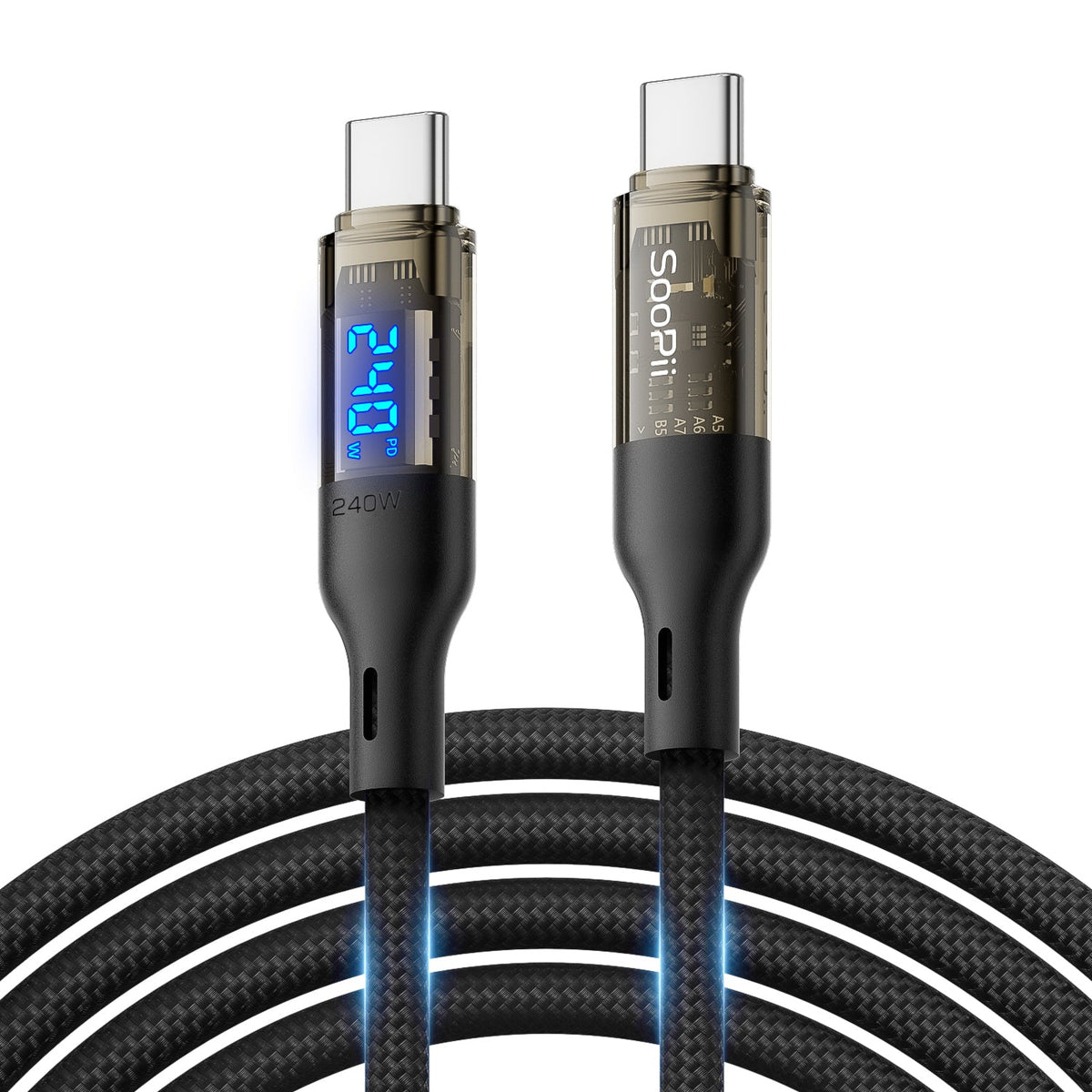
Look inside your cable drawer. If every cable you actually use ends in USB-C, a USB-C-only station removes the guesswork and gives you more fast-charging ports for the same money. The CS101 is ten USB-C ports at 100W.
If you still have USB-A cables for older accessories, a mixed station saves you buying replacements. The CS102 is the same 100W and the same ten ports, split six USB-C and four USB-A. Same price bracket, different drawer.
CS60 vs CS70 vs CS101: the direct comparison
| Model | Total power | Ports | Port mix | Cables included |
|---|---|---|---|---|
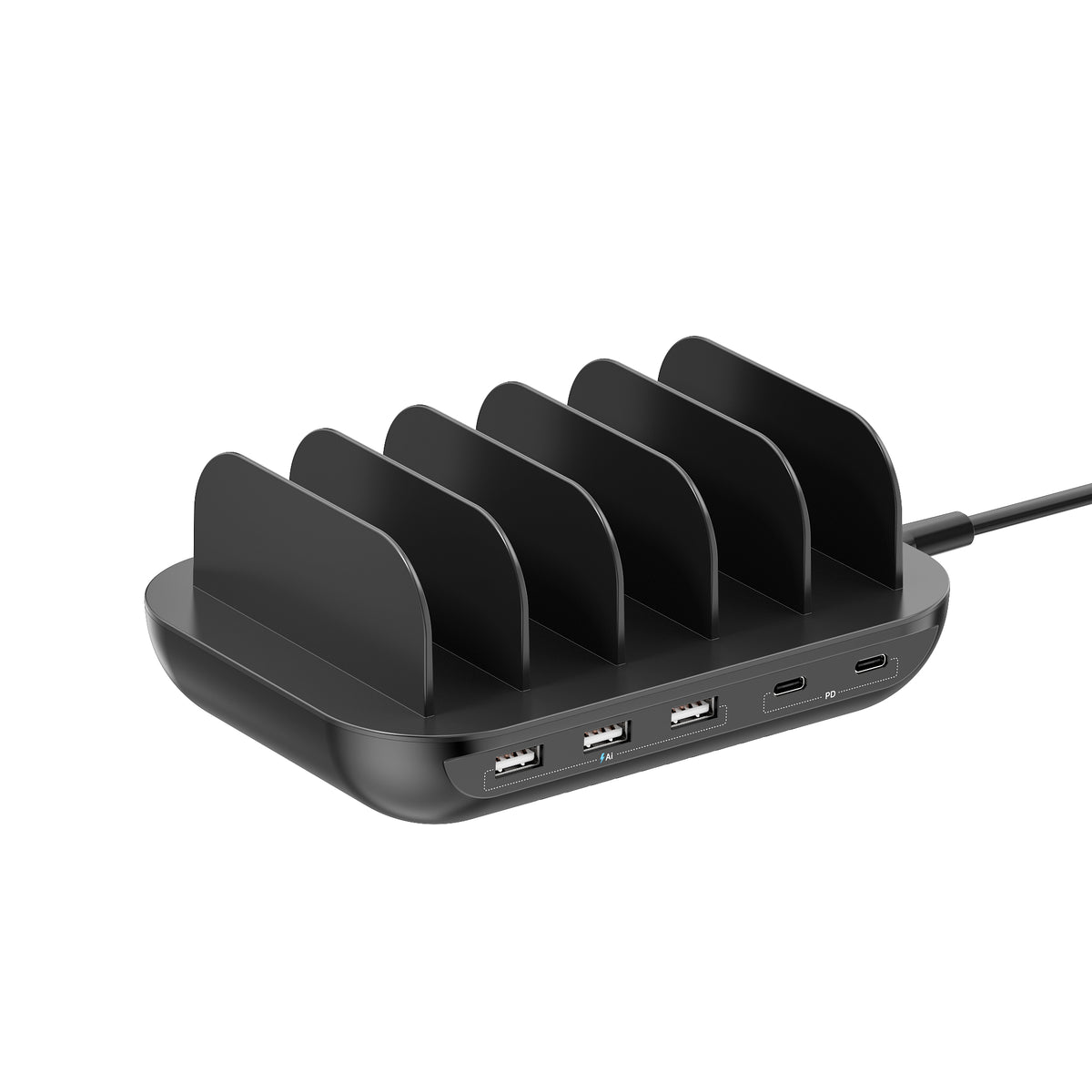
| CS60 | 60W | 6 | 1 USB-C + 5 USB-A | 6 |
| CS65 | 60W | 6 | 2 USB-C + 4 USB-A | 6 |
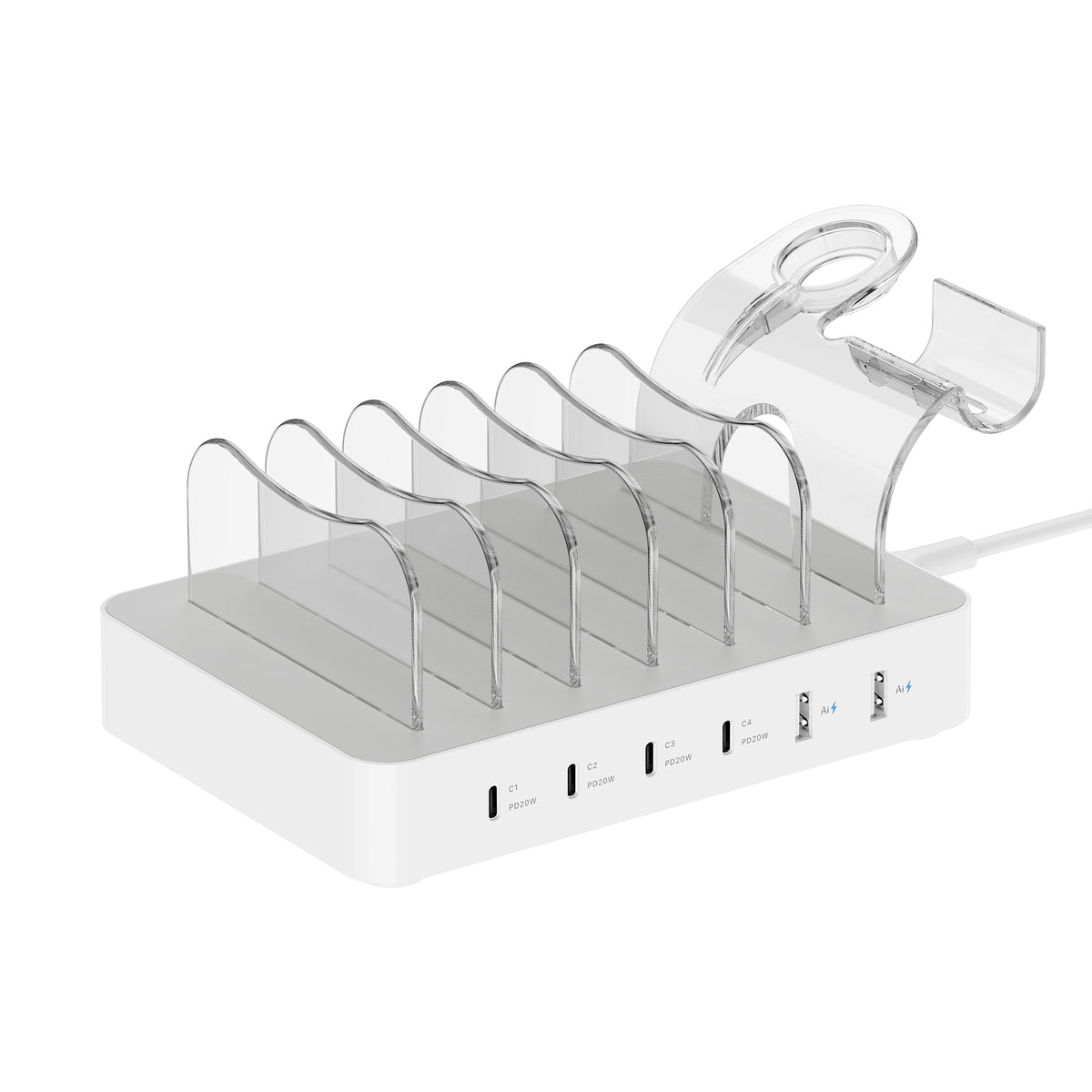
| CS60 Pro | 90W | 6 | 4 USB-C + 2 USB-A | 6 |
| CS70 | 70W | 7 | USB-C PD | 7 |
| CS70 Pro | 140W | 7 | 7 USB-C PD, 20W dedicated per port | 7 |
| CS101 | 100W | 10 | 10 USB-C | 10 |
| CS102 | 100W | 10 | 6 USB-C + 4 USB-A | 10 |
| CS200 | 200W | 10 | USB-C PD, GaN | 10 |
If you are choosing between those three specifically: CS60 is the cheapest way into six ports and is fine for phones and earbuds. CS70 adds a port and more headroom without moving to ten. CS101 is the first model where four people can charge at once without anything crawling — ten ports at 100W, all USB-C, ten cables in the box.
CS101 vs CS102 — the one-word difference that matters
They share 100W, ten ports, ten included cables (CS101 ships ten USB-C cables; CS102 ships ten mixed USB-C/Lightning/Micro USB cables) and the same stand. The difference is the port mix: CS101 is all USB-C, CS102 is six USB-C plus four USB-A. Pick CS101 if you are Type-C only. Pick CS102 if one person in the house still owns a micro-USB speaker.
When is a retractable station the better buy?
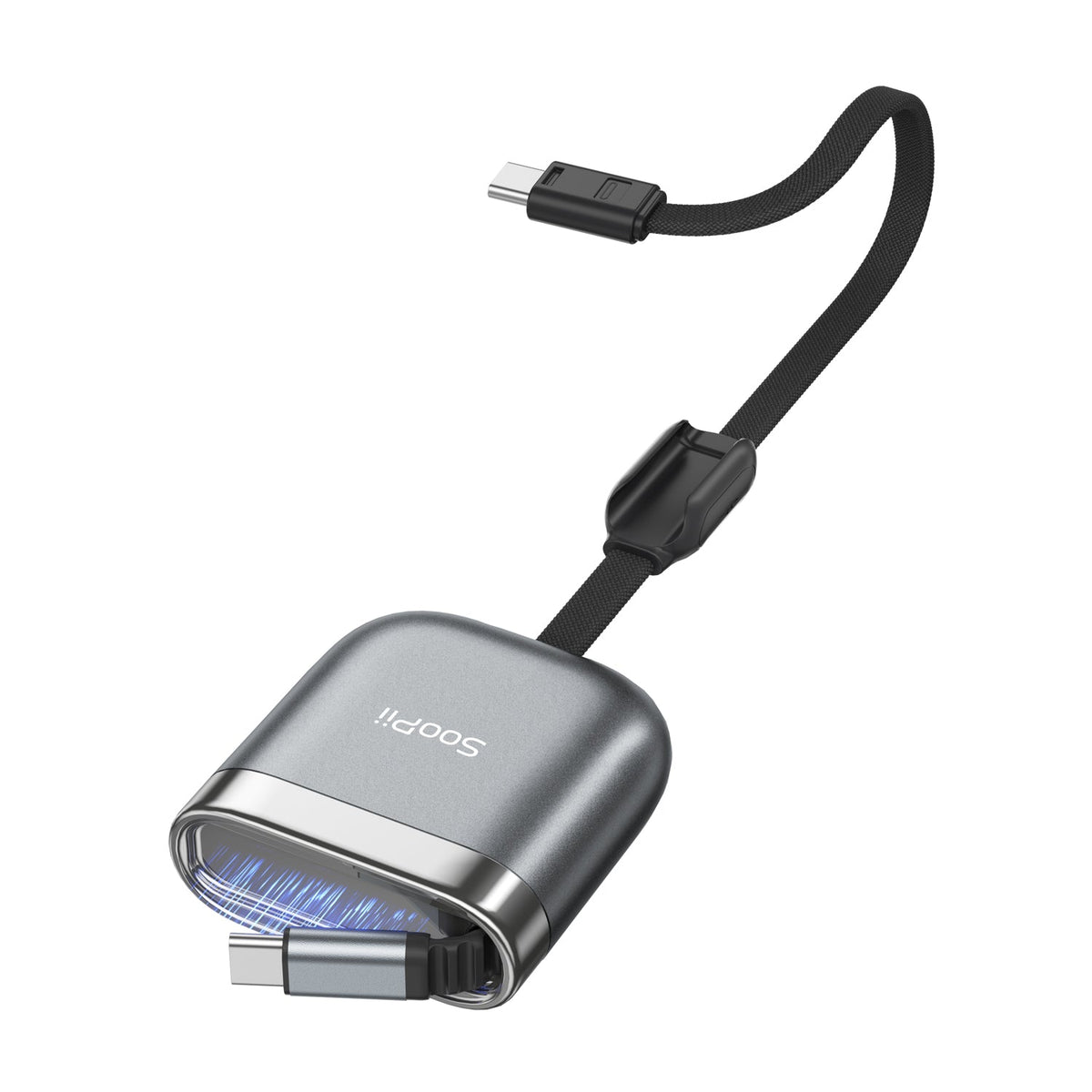
When the cables are the problem, not the charging. The H1 builds six cables into the body so nothing is left on the desk; the H1 Pro is the same idea at 120W. Both are the right answer if you have already tried tidying a charger and given up on the cables.
If you want the longer version of that argument, read our guide to desk cable management.
Do you need AC outlets as well?
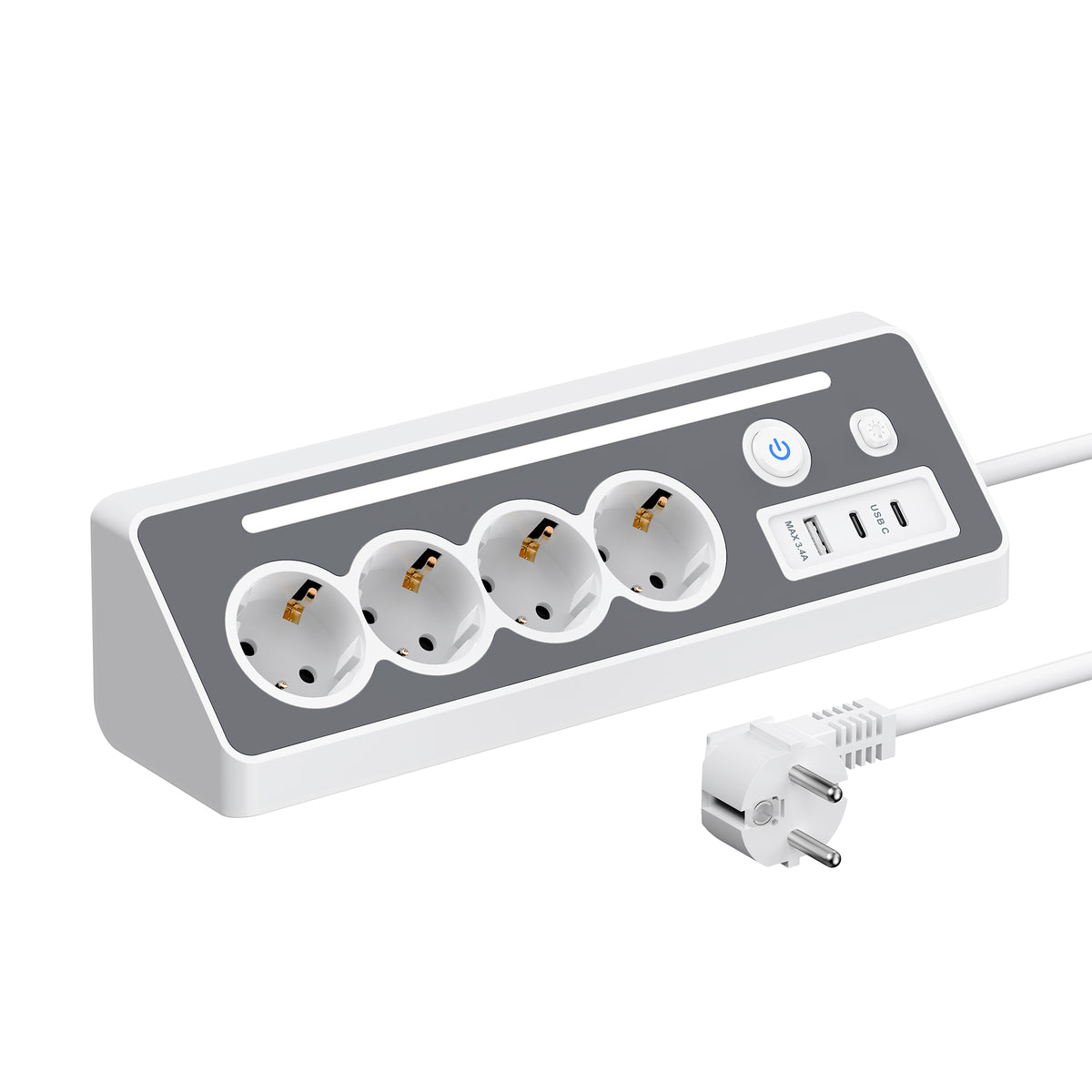
Only if you plug in something that is not USB: a monitor, a lamp, a speaker. The U3 combines six USB ports with three AC outlets, which removes one device from your desk entirely. If AC is the main requirement rather than an add-on, a power strip is the cheaper shape — see charging station vs power strip.
Which model for which situation?
- A single desk: CS60 if your cables are mixed, CS60 Pro if you want more USB-C ports.
- A family charging before bed: CS102 — ten ports, mixed cables, no queue.
- A home office with a tablet and two phones: CS70 Pro — seven independent 20W ports mean the tablet keeps full speed while everything else charges.
- A shared workspace or reception desk: CS200 — 200W across ten ports so a full row of devices does not slow to a crawl.
- Travel: compact and travel stations, which run on 100–240V.
What the certifications actually mean
Every station here is RoHS compliant, which restricts ten substances including lead and cadmium under EU Directive 2011/65/EU. FCC and CE marks cover radio interference and safety for the markets that require them. None of that tells you how fast it charges — those are the wattage and port numbers above.
Compare the full range on the charging stations page, or start from ten-port models if you already know you need ten.
About this comparison
Specifications in this article are manufacturer specifications from SooPii product pages and spec sheets (verified November 16, 2026), not independent lab measurements. Per-port output describes the USB-C Power Delivery maximum each port negotiates; actual draw depends on the device. Certification scope varies by model and market — see each product page for the marks that apply to the unit sold in your region.
By the SooPii product team. Last updated November 16, 2026.