


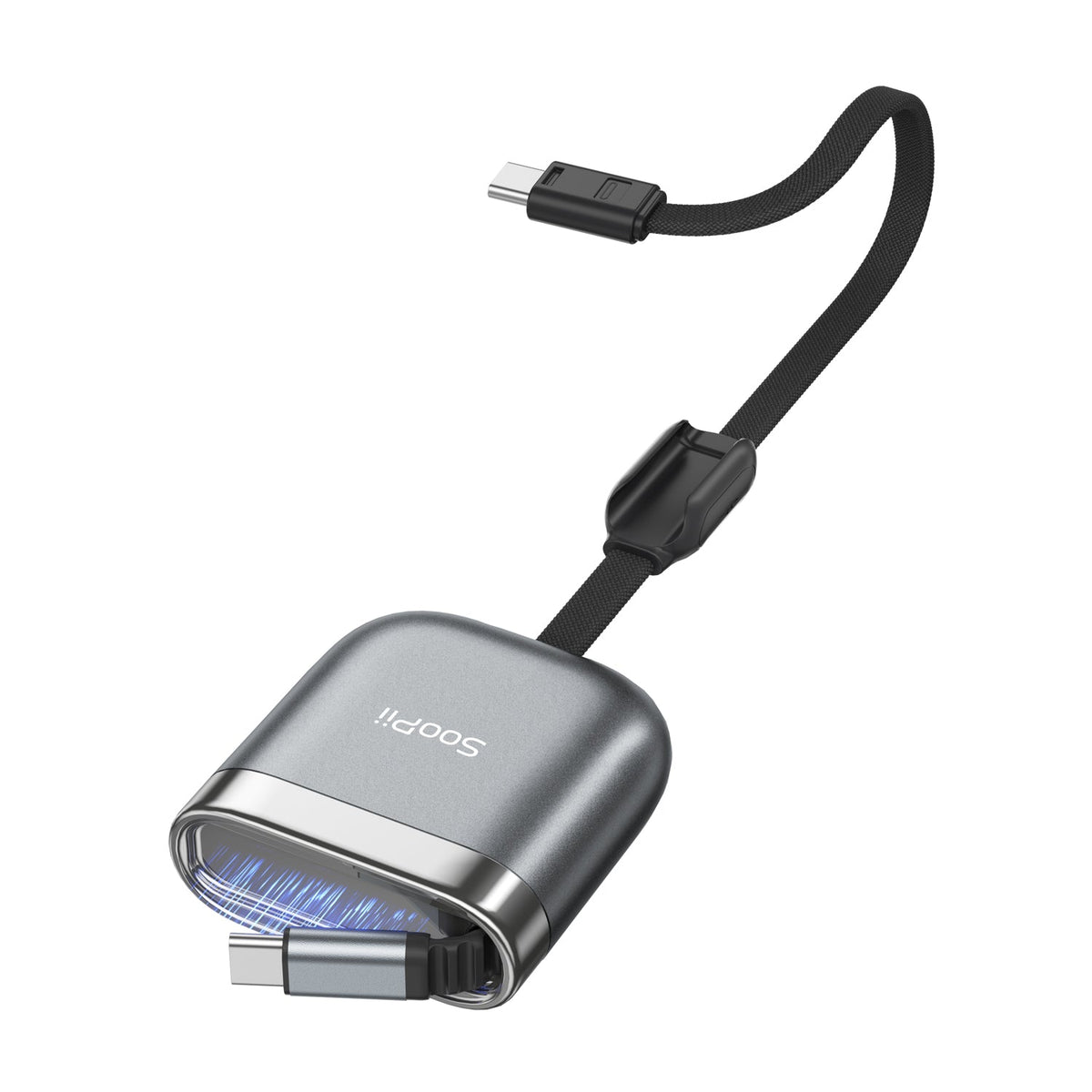

Less cable clutter. Just the length you need. A retractable USB-C cable pulls out when you need it and packs neatly back into its housing when you are done.
This guide compares the SooPii S86, S96, S103 and H1 Cable by three practical choices: power, reach and how the cable parks.
The quick choice
- Compact laptop carry: start with S86.
- A cable that stays at your desk: look at S96 and its adhesive base.
- One for home, one for your bag: consider the S103 two-pack.
- Short charging-station connections: choose the H1 Cable in the connector type you need.
01 / Choose your power rating
60W or 240W? Match the cable to your device and charger, rather than buying by the largest number alone.
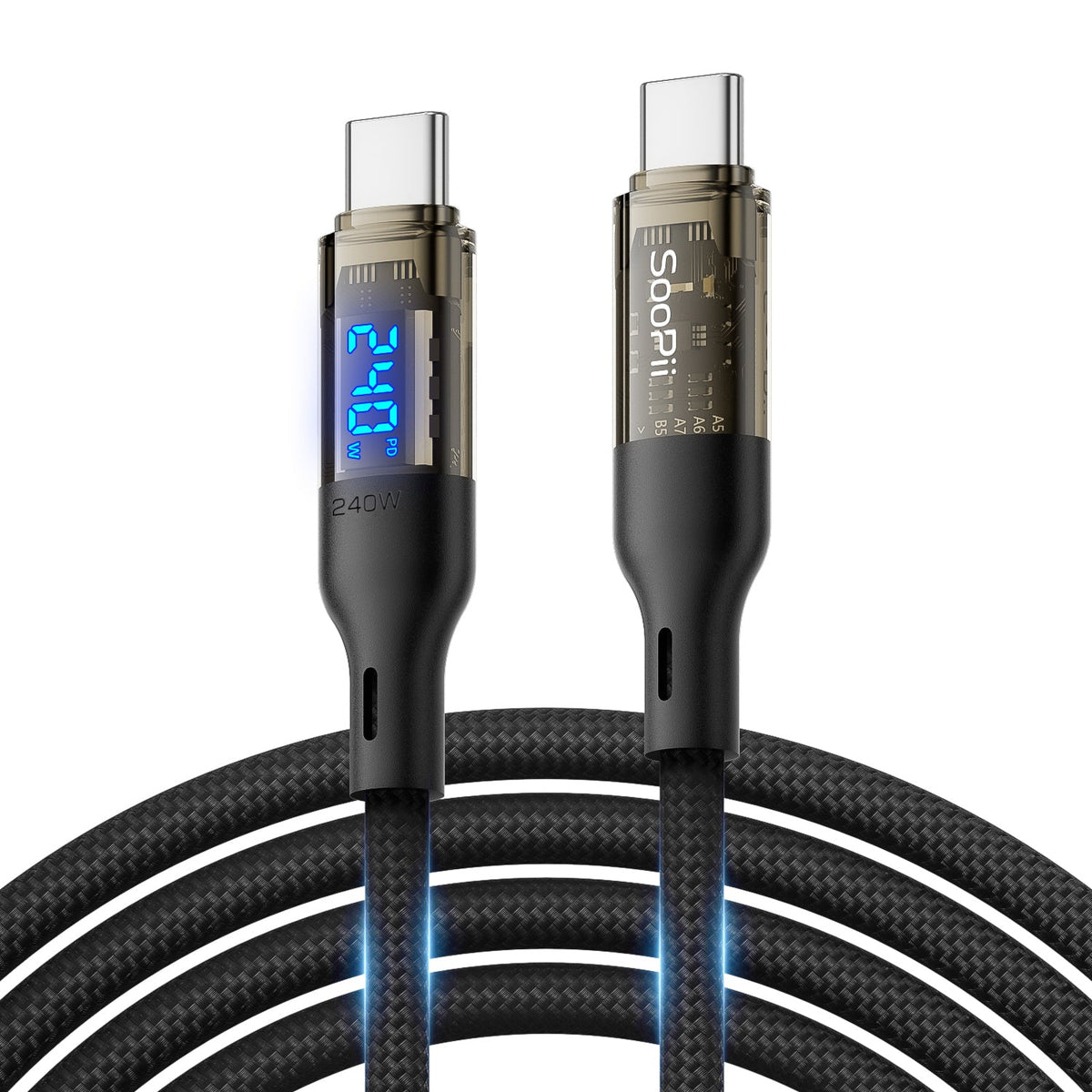
A 60W USB-C-to-USB-C cable suits many phone and tablet charging setups. A 240W-rated USB-C cable gives you more headroom for compatible higher-power laptop charging.
Remember: a 240W cable does not make a 20W charger deliver 240W. Charging power depends on the charger, cable and device working together. Check the rating of your chosen connector variant, especially when comparing USB-C, Lightning and Micro-USB options.
02 / Check reach and stopping points
Measure from your charging port to where the device actually rests. Then choose a cable that reaches comfortably without pulling on either connector.
Stages are preset stopping points. More stages give you more options for leaving only the length you need exposed.
- Short connection: useful beside a charging station.
- About 1 m: a practical starting point for a desk or travel setup.
- Longer reach: useful when the charger sits farther from your device.
03 / Decide where the housing lives
In your bag: prioritize a compact housing and neatly parked connectors.
On your desk: a fixed base can keep the housing in a predictable place. Check the mounting surface and installation instructions before attaching it.
Meet the four cables
Instead of squeezing every detail into one wide table, here is each model at a glance.
S86 / Compact carry

240W · 1 m · 5 stages · Single cable
The S86 is the compact carry option in this comparison, with magnetic connector parking and an ultra-slim housing.
S96 / A regular spot on your desk

240W · 1.46 m total length · 8 stages · Single cable
The S96 combines a magnetic hidden slot with an adhesive base. It is the option to consider when you want the housing to stay in one place.
Length tip: total cable length and pull-out reach are not the same measurement. Allow for the fixed input section when planning your setup.
S103 / A pair for two places

240W · 1 m · 4 stages · Two-pack
Choose the S103 if you want one cable at your desk and another in your bag. Its Mag-Snap housing keeps the connectors neatly parked between uses.
H1 Cable / Keep short connections tidy

60W USB-C-to-USB-C option · 35 cm · Two-pack
The H1 Cable is the short-reach option for a device resting close to its charging station. Choose USB-C-to-USB-C, USB-C-to-Lightning or USB-C-to-Micro to match your device; do not assume every connector variant has the same power capability.
At a glance
| Model | Choose it for |
|---|---|
| S86 | Compact laptop carry |
| S96 | A fixed charging spot |
| S103 | A two-pack for desk and bag |
| H1 Cable | Short charging-station connections |
Check the linked product page for the specifications and connector options of the version you select.
When a straight cable or station makes more sense
A retractable cable is most useful when you plug in, unplug and pack away regularly. For a permanent cable run, a straight cable may be simpler.
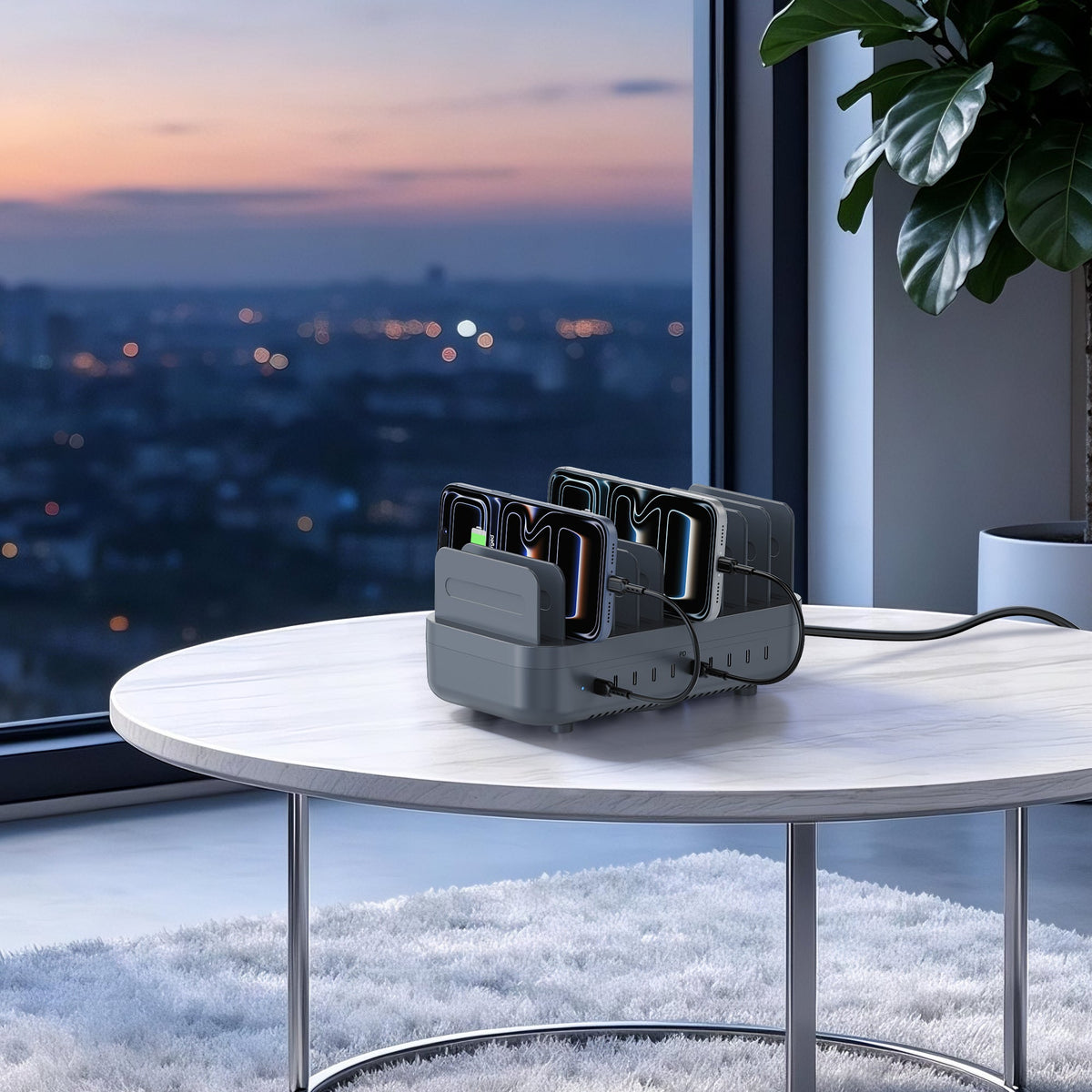
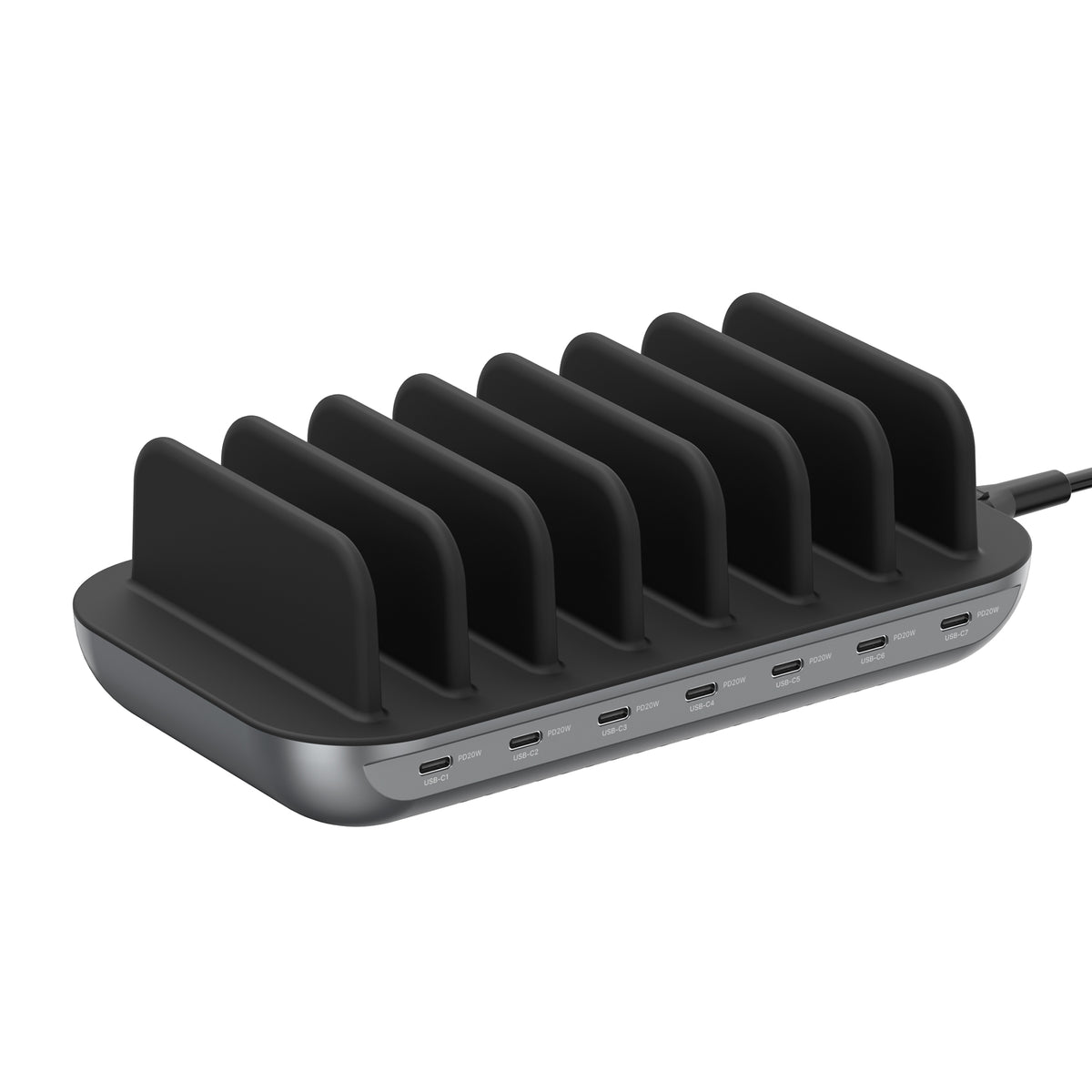
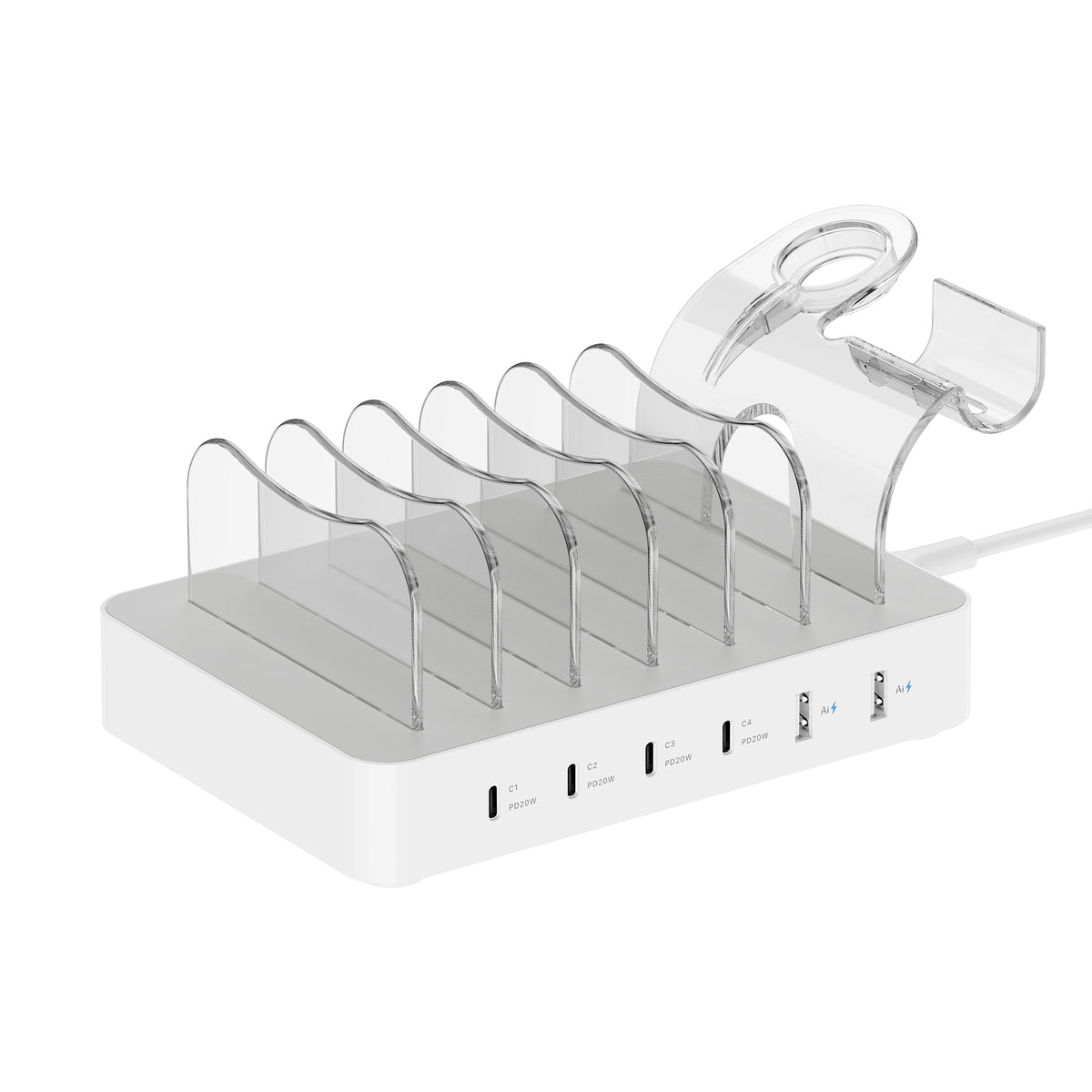
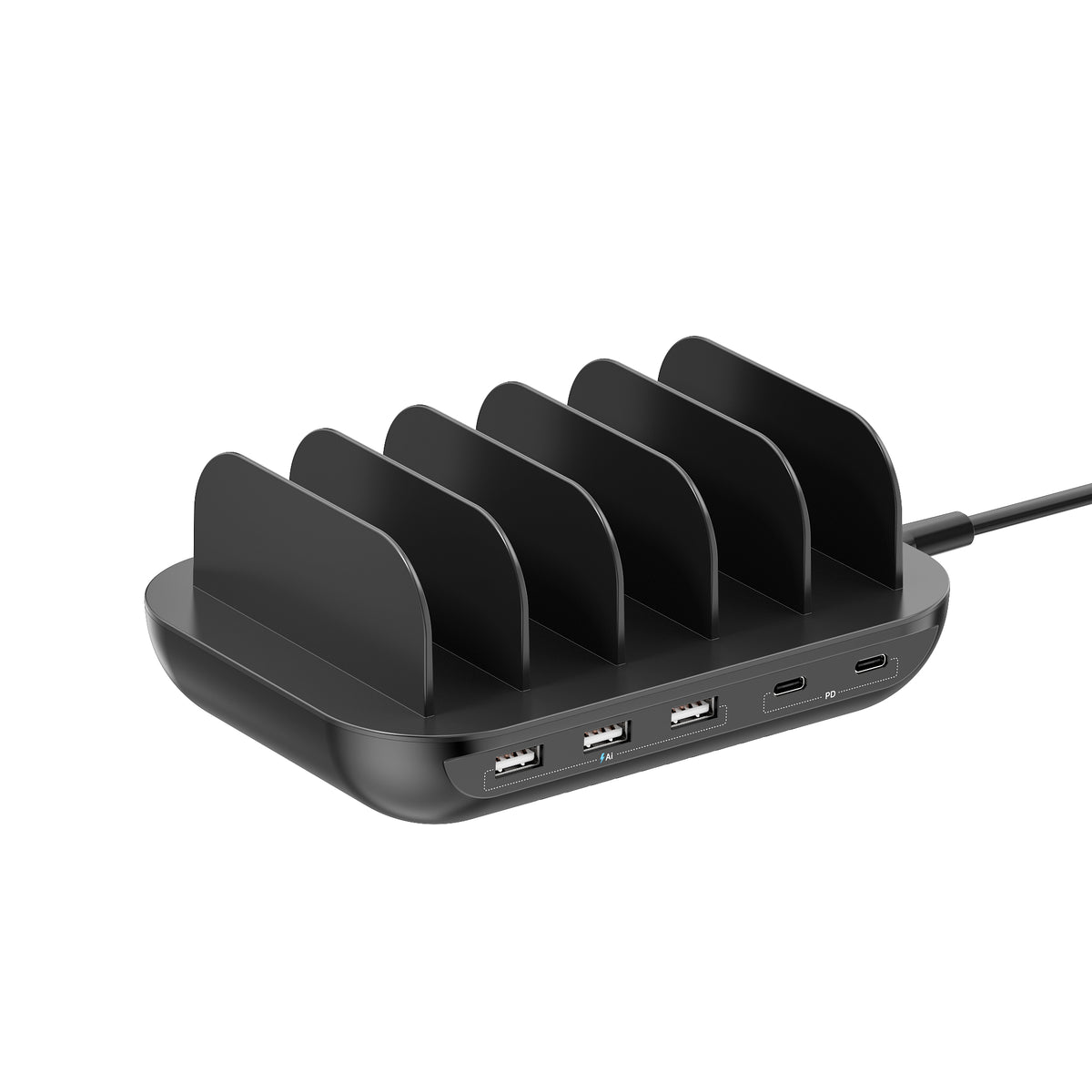
If several devices charge in the same spot, consider a station with built-in cables instead: explore the H1 charging station or H1 Pro charging station.
Frequently asked questions
Do retractable cables charge slower than straight cables?
Not because they retract. Compare the cable's supported power and charging standards with your charger and device. A higher power rating alone does not guarantee faster charging.
How should I use the retraction mechanism?
Follow the model's instructions, pull gently to the intended stopping point and guide the cable back rather than letting it snap freely. Avoid pulling on the connector at an angle.
Can I use a 240W cable with a 20W charger?
Yes, with a compatible USB-C charging setup. The cable's rating is its supported capacity, not power forced into your device.
Find your everyday cable
Choose the power you need, measure the reach and decide where the housing will live.
Keep reading
By the SooPii product team. Published November 16, 2026. Cover: AI-generated lifestyle illustration based on the S96 product image. Product images: SooPii.