




If your desk has one wall outlet and six devices, you have a distribution problem. The two usual answers — a power strip or a charging station — sit next to each other on the shelf, and do completely different jobs once you plug them in.
What each one actually does
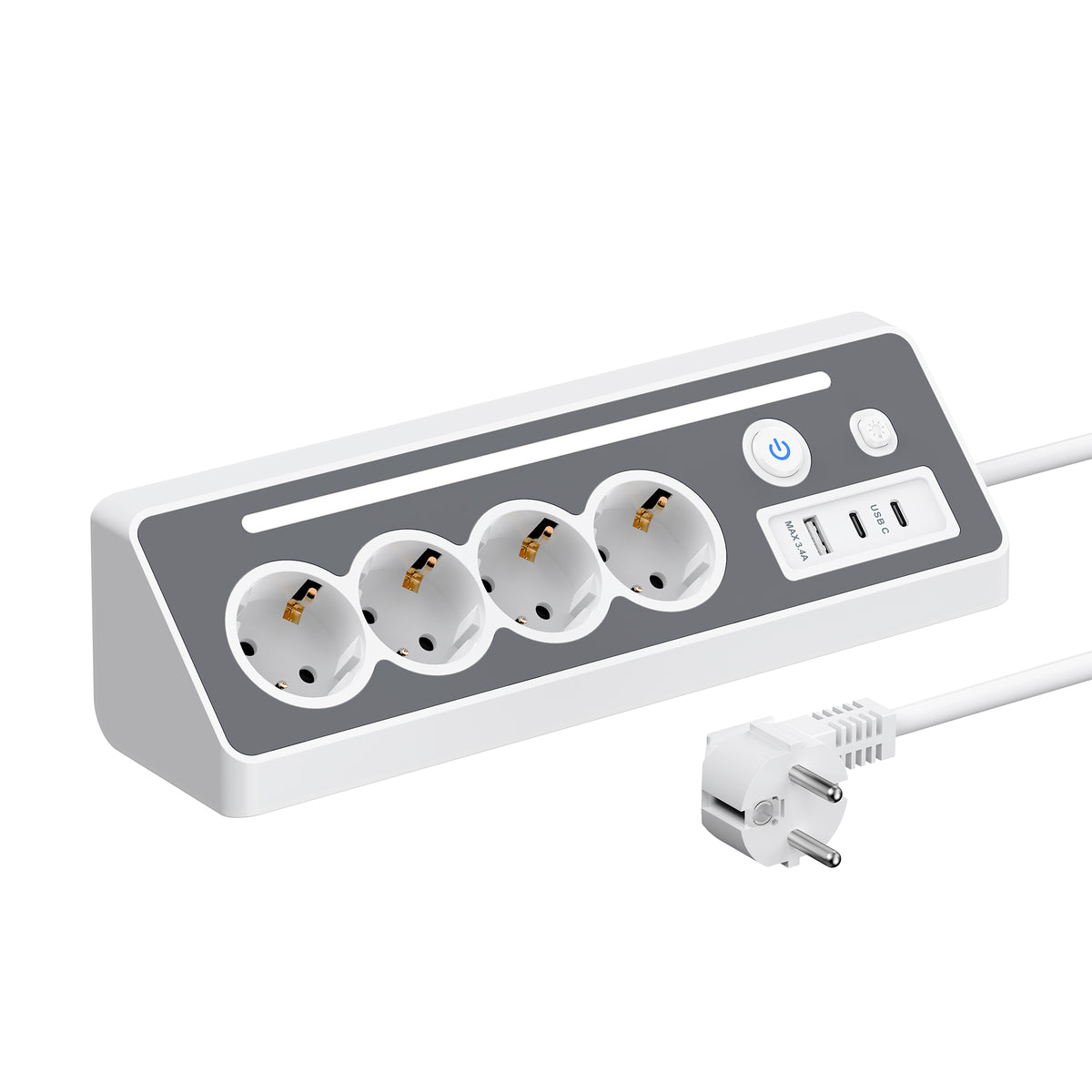
A power strip distributes AC. It takes one wall outlet and multiplies it: monitor, lamp, PC tower, desk heater — anything that already ends in a plug. The TPS10 turns one outlet into ten, with four USB ports on the side.
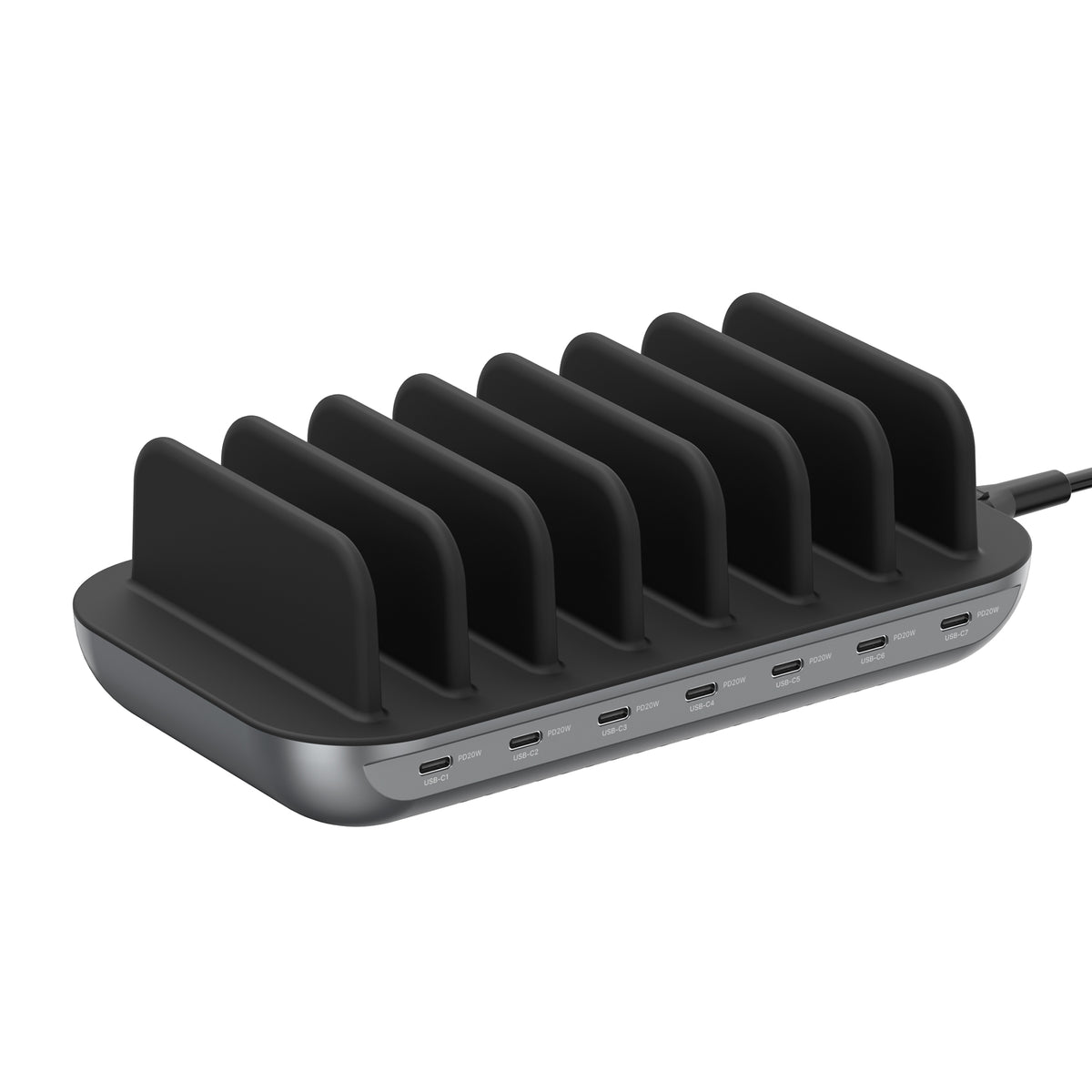
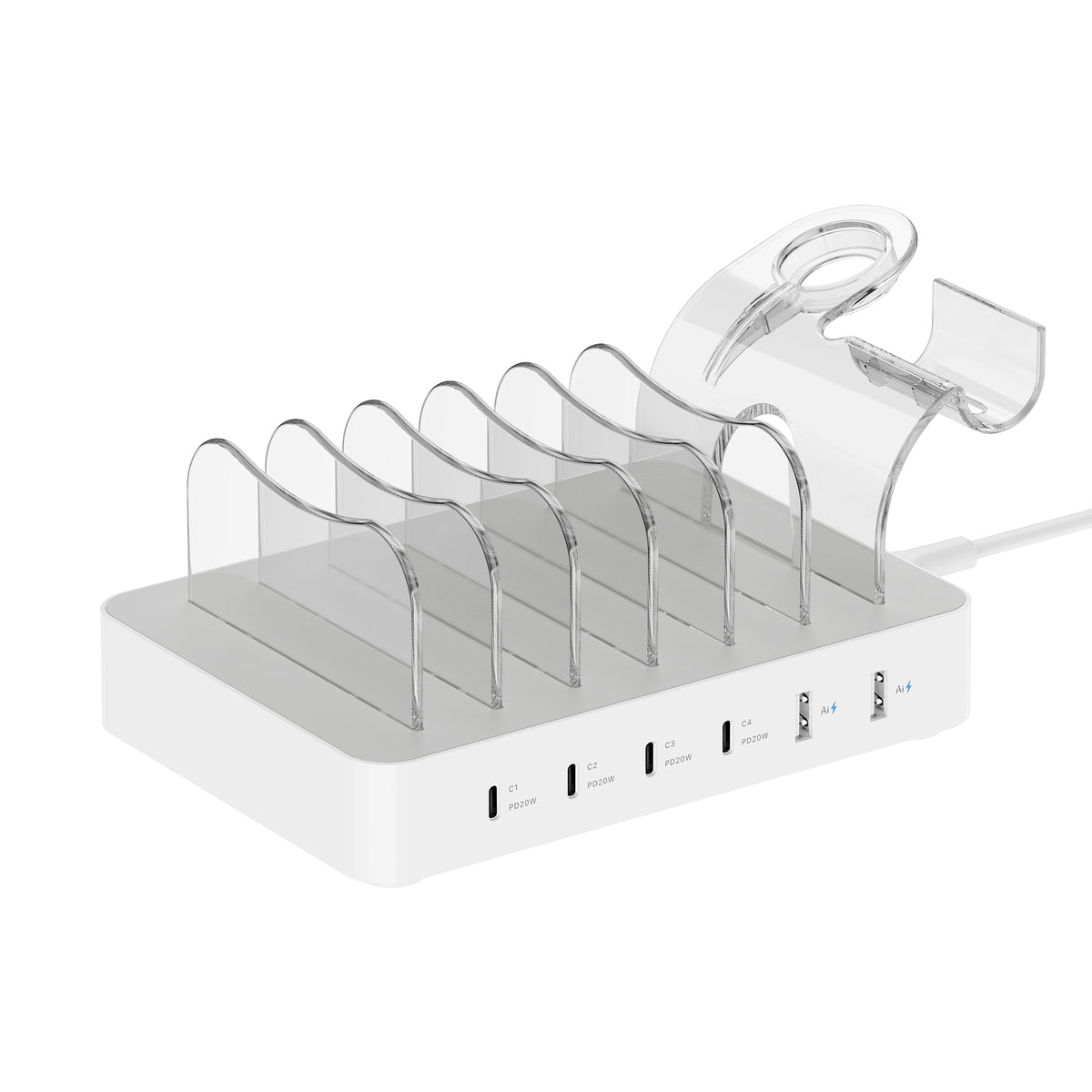
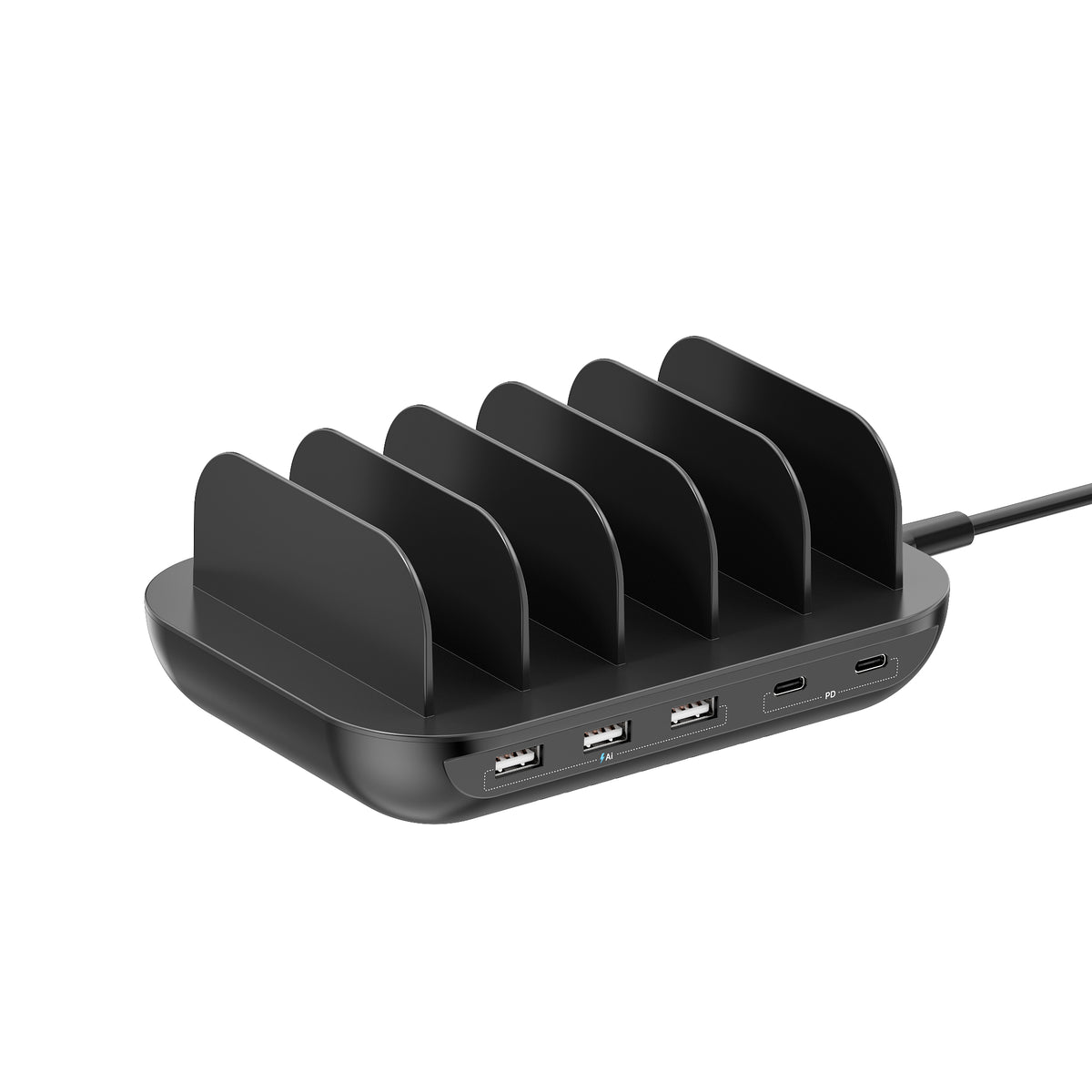
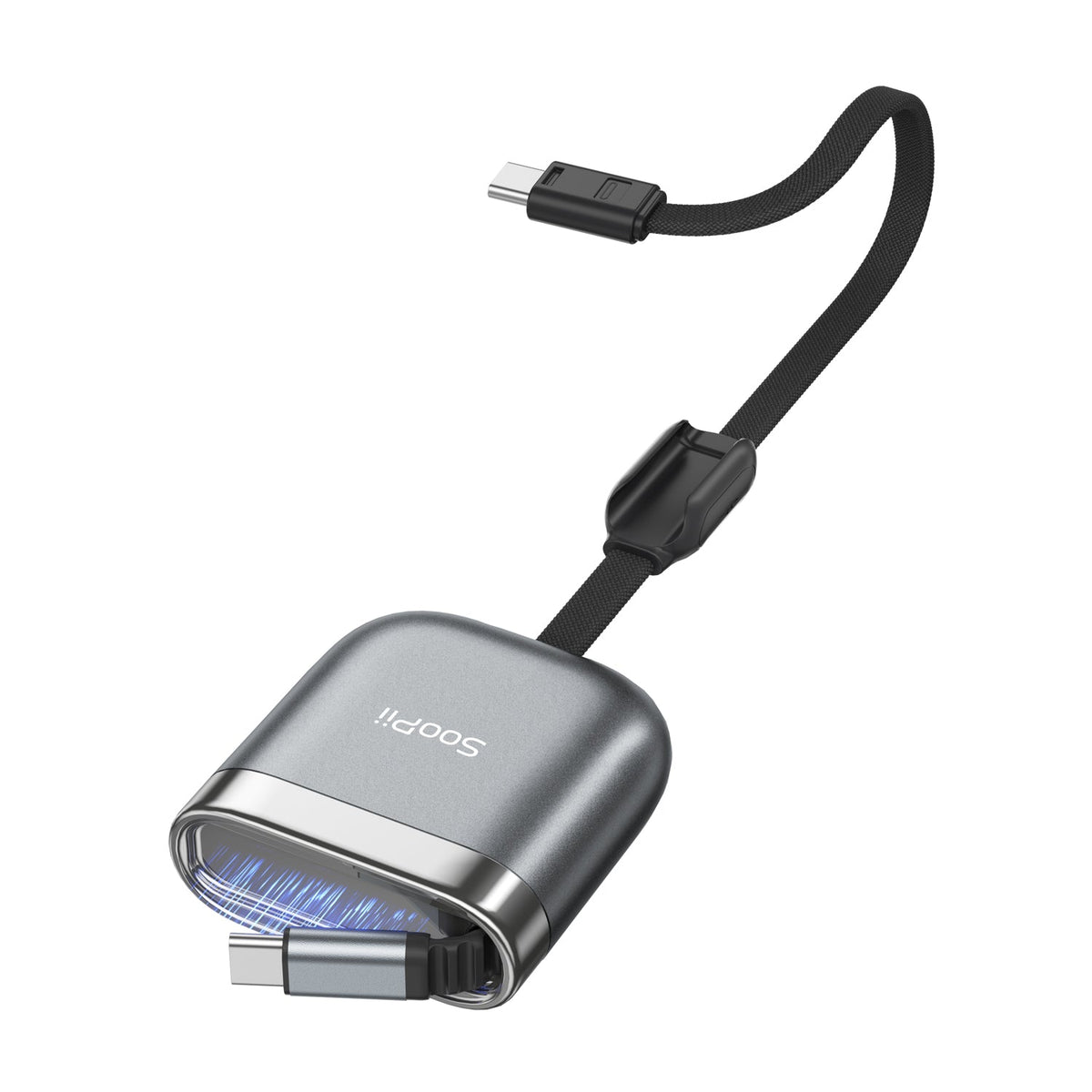
A charging station converts AC to DC and manages it. Inside, a power supply negotiates with every device you connect — setting voltage and current per port through USB-C Power Delivery. Nothing with a bulky adapter plugs into it; cables do. The CS200 turns one outlet into 200W, shared across ten USB-C ports.

Count devices, not outlets
Outlet count isn't the real constraint — adapters are. One bulky AC brick covers the outlets next to it, and a laptop charger sits on the floor anyway. Start from the devices instead:
| Device | Typical draw while charging |
|---|---|
| Laptop (USB-C) | 30–100W |
| Tablet | 15–30W |
| Phone | 10–27W |
| Smartwatch | 2.5–5W |
| Wireless earbuds case | 2–5W |
A desk with a laptop (60W), tablet (20W), phone (20W) and earbuds (5W) can request about 105W at peak. In practice it draws far less: devices only pull their maximum when nearly empty, and the number drops as batteries fill. A 100W station comfortably runs that desk all day.
Total wattage is a budget, not a promise per port
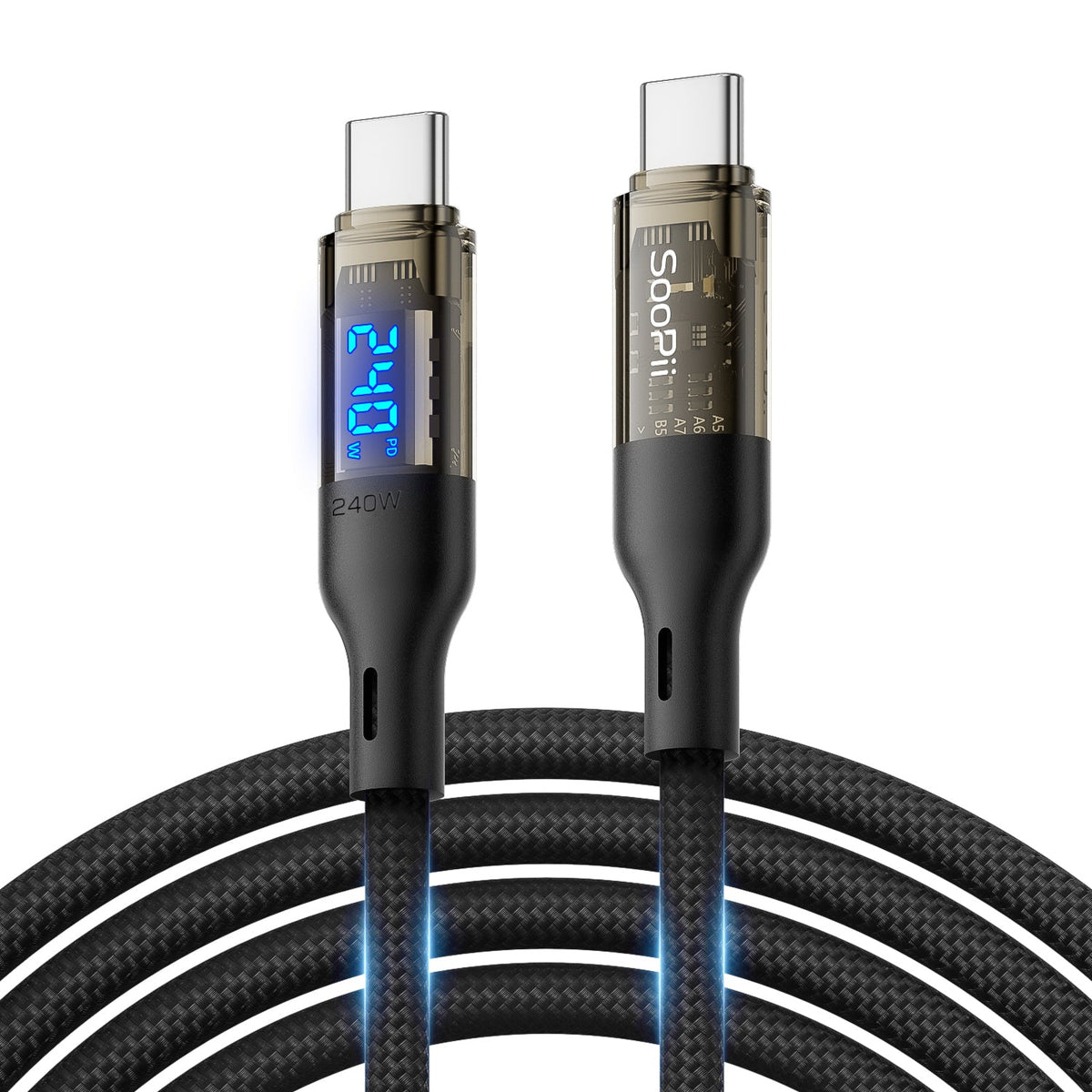
The wattage on the box is the whole budget, not what each port delivers. A 100W station with ten ports divides 100W dynamically — a smartwatch that needs 5W takes 5W, leaving the rest for the laptop. This is why the sum of your devices' peak numbers doesn't have to match the station's rating. For the details of how devices and chargers agree on power, see USB-C Power Delivery explained.
Desk footprint
A strip spreads horizontally. Ten outlets span most of a desk's width, and every adapter on it becomes its own tower of plastic. A station stays compact and often vertical — devices stand in slots, short cables loop between device and port, and one cord runs to the wall. It's the difference between managing cables and hiding them; our cable management guide covers the second half of that setup.
When a power strip is the right answer
- Most of your devices have AC adapters — monitor, lamp, PC, printer. USB ports don't help them.
- You need raw outlet count — workbench, entertainment corner, server shelf.
- Devices live in different spots — the strip's cord reaches where a desk-bound station can't.
When a charging station is the right answer
- Everything charges by cable — phones, tablets, earbuds, watches, e-readers.
- Devices sit together and get picked up all day — slots keep them visible and untangled.
- You want one plug instead of a pile of adapters — the station is the only brick on the wall.
When you need both
Plenty of desks do. The monitor needs AC; four gadgets need USB. You can run a strip for one and a station for the other — or use a hybrid: the U3 puts three AC outlets next to 60W of USB charging across six ports. One plug, no adapter pile.

Quick decision table
| Your desk looks like… | The fit |
|---|---|
| Monitor, lamp, PC — mostly AC devices | Power strip (TPS10: 10 outlets + 4 USB) |
| Phone, tablet, earbuds, watch — all USB | Charging station (CS102: 100W, 10 ports) |
| A mix of AC and USB, one outlet to work with | Hybrid (U3: 3 AC + 6 USB ports) |
| A shared power hub with laptops | High-output station (CS200: 200W, 10 ports) |
Both start at the same wall outlet. The difference is what happens after it. See charging stations → See power strips →
Where a charging tower fits
A charging tower is a power strip stood upright: AC outlets stacked on tiers instead of laid flat, with USB ports on top. It solves the footprint problem - ten outlets in the floor space of a coffee mug - and the access problem, since sockets face four directions instead of hiding under a desk.
The TPS10 carries ten AC outlets across three tiers plus four USB ports (2 USB-C + 2 USB-A), rated 15A / 1800W at 120V for US mains; EU, UK and AU versions carry their own plug and rating. The TPS06 is the six-outlet, two-tier version at 4000W / 230V with a carry handle.
Choose a tower over a flat strip when the strip lives on the desk or floor in the open: plugs point outward, the footprint stays small, and the USB ports on top take the phones. Choose a flat strip or cable box when the strip hides behind furniture. One boundary applies to both: the USB ports on towers charge phones and earbuds - the laptop takes an AC outlet with its own adapter, or the PSB01 cable box, whose USB-C ports deliver up to 65W each when used alone.
Browse the full range: power strips, towers and cubes.