





Plugging in your phone before bed is convenient. But “Will it overcharge?” and “Is it safe to leave charging while I sleep?” are not quite the same question.
Some devices manage charging automatically. Apple, for example, explains that an iPhone stops charging when its battery is full and can remain connected overnight. However, that does not remove the need for a suitable charger, an undamaged cable, and a well-ventilated charging location.
Fire-safety guidance takes a more cautious approach. Electrical Safety First and London Fire Brigade advise against charging devices while you are asleep or leaving them charging unattended.
Our recommendation: where practical, charge while you are awake and nearby. Follow the instructions for your exact device and charging equipment, rather than treating automatic battery management as a guarantee for the entire setup.

AI-generated placement illustration, not a wiring diagram or product photograph. Connect each device according to its manufacturer's instructions.
Battery Protection and Charging Safety Are Different
A device’s charging controls manage its battery. They do not tell you whether a cable is damaged, a charger is covered by bedding, or moisture is present at the connection.
Apple’s Optimized Battery Charging can reduce the time an iPhone spends fully charged by delaying charging beyond 80% in certain circumstances. This is a battery-longevity feature, not permission to ignore the device’s safety instructions.
Keep the distinction simple:
- Battery management concerns how the device charges its battery.
- Charging safety also involves the charger, cable, connections, surroundings, and condition of the equipment.
A useful routine needs to account for both.
Where You Charge Matters
A phone on a clear bedside table is not the same setup as a phone tucked under a pillow.
Apple warns against sleeping on a device, power adapter, or wireless charger, or placing them beneath a blanket, pillow, or your body while connected to power.
Electrical Safety First likewise advises against charging phones and tablets on beds, sofas, or other soft furnishings. Its guidance recommends a hard, stable, flat surface that allows heat to dissipate.
Before charging, check that the device and charger are uncovered, ventilated, and away from liquids. Keep bedding and clothing away from the charging area.
A tidy-looking setup is not enough if the charger is hidden beneath fabric or enclosed without appropriate ventilation.
Inspect the Charger and Cable
Do not make charging damaged equipment part of your routine.
Look for frayed cable insulation, exposed wires, cracked charger housings, bent or loose plug pins, and scorch marks. Apple and Electrical Safety First advise against using damaged charging accessories.
Use compatible charging equipment from the original manufacturer or a reputable source, and check the device manufacturer’s requirements when replacing an adapter or cable.
Do not assume that matching connectors prove compatibility. Check the equipment’s stated specifications and intended use.
What If the Device Becomes Warm?
Electrical Safety First notes that phones and tablets can become warm during charging. Warmth alone does not establish that equipment is faulty, but it is not a reason to dismiss other warning signs.
If a device becomes too hot to handle, stop using it and seek advice from the manufacturer.
Stop using equipment that shows swelling, cracks, scorching, unusual smells, sparking, or smoke. Disconnect it only if you can do so safely. If there is smoke or fire, move away and follow local emergency guidance rather than trying to troubleshoot it.
Do not use an arbitrary temperature number from an online article to decide whether an unfamiliar device is safe. Follow the manufacturer’s instructions for the particular product.
Can a Multi-Device Charging Station Make the Setup Safer?
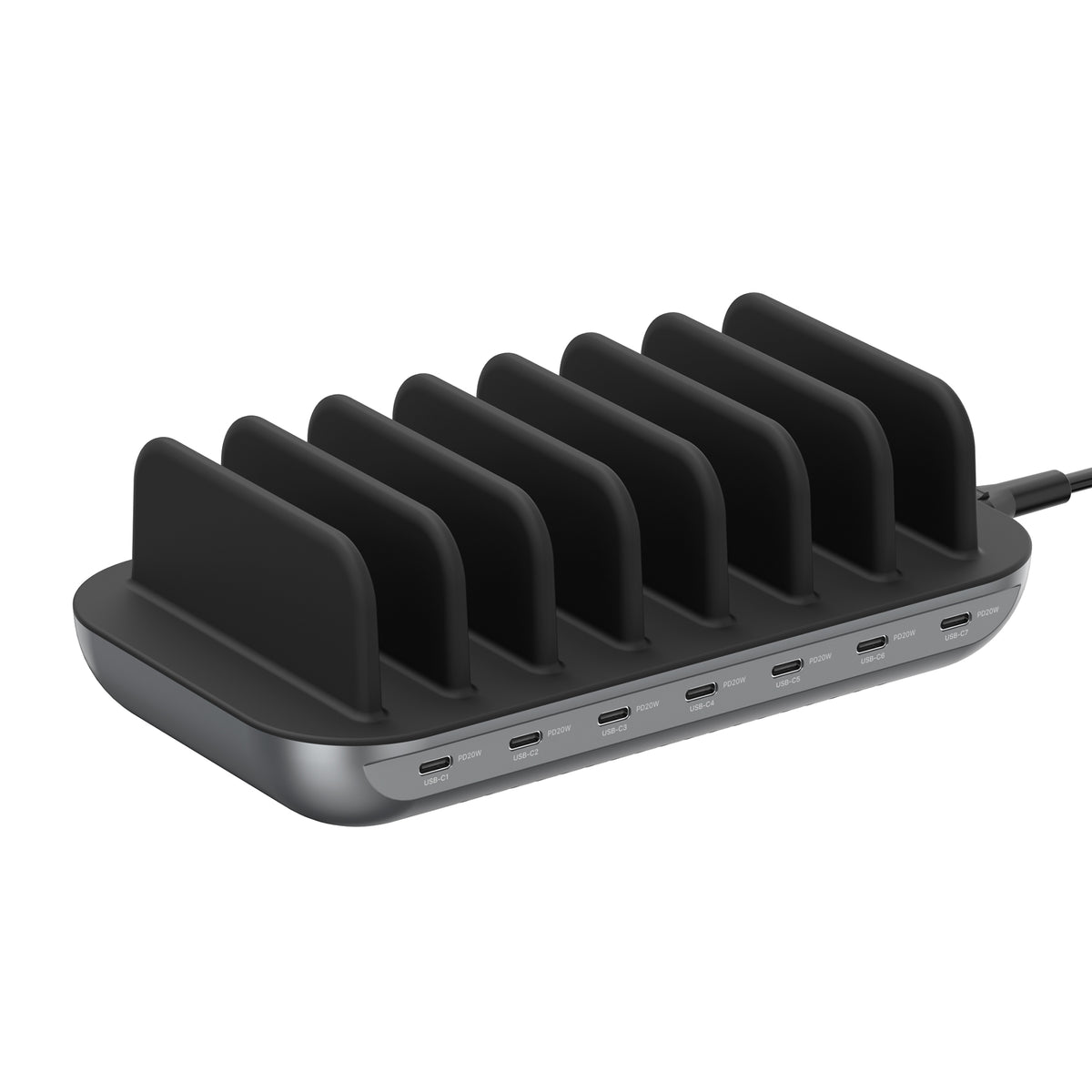
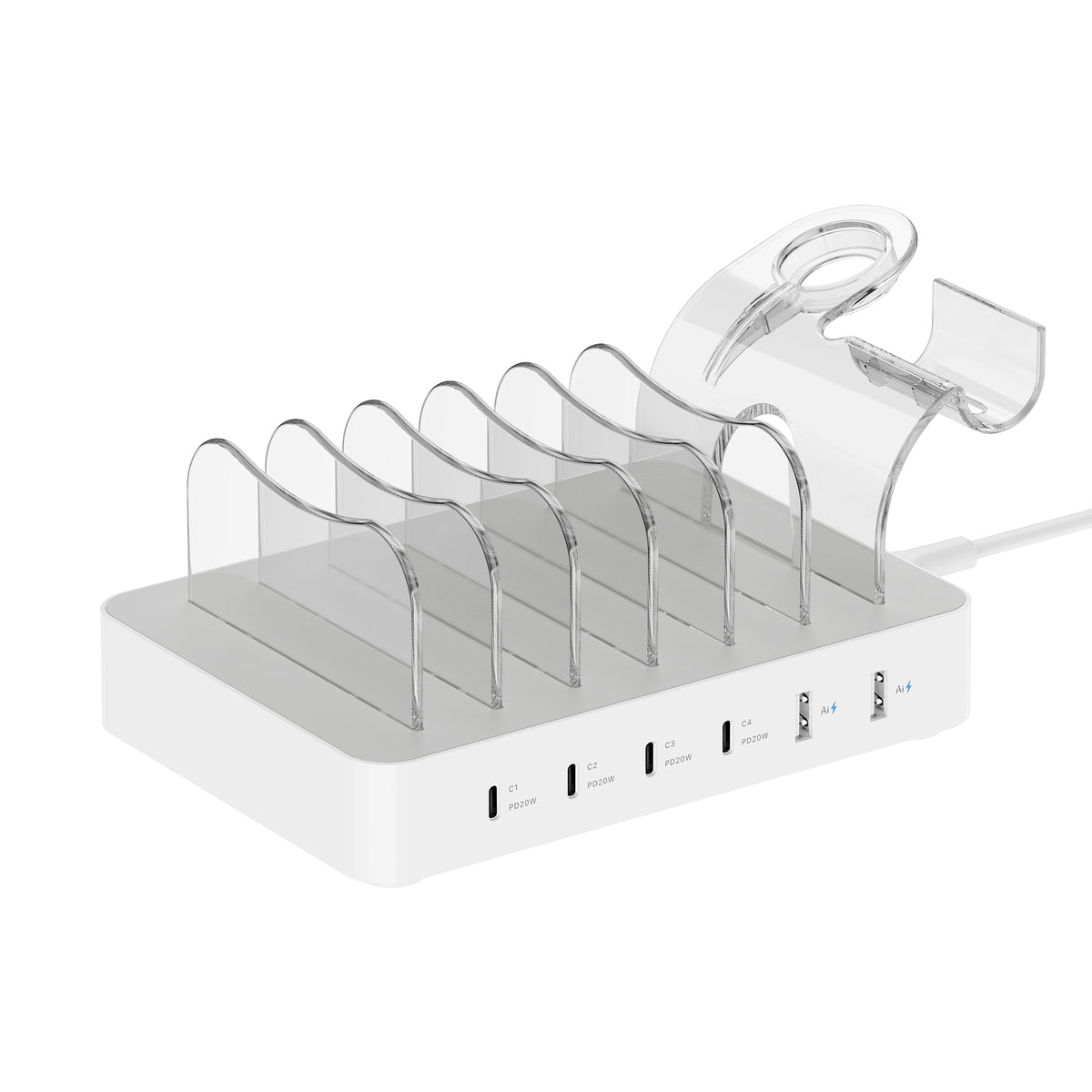
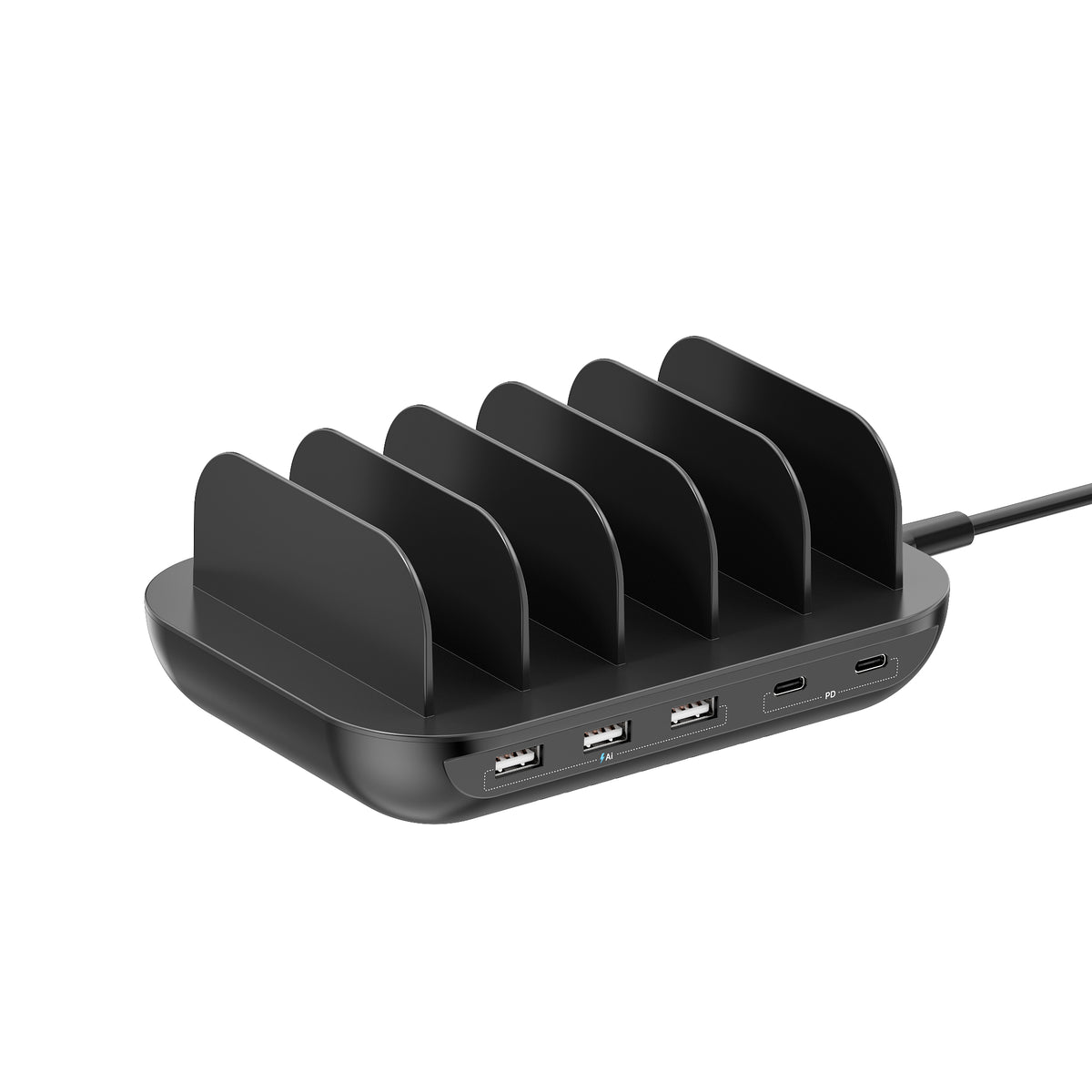
A charging station can help organize several devices in one place. Organization alone, however, is not a safety guarantee.
When planning a shared charging area, check:
- Whether the station is intended for the devices you want to connect.
- Its documented port outputs and simultaneous-use limits.
- The manufacturer’s placement and ventilation instructions.
- Whether devices can sit securely without covering the charger or one another.
- Whether cables and connections remain accessible for inspection.
Do not assume that a larger port count means identical output or protection on every port. Read the specifications for the exact model.
For a family charging area, choose a location that can stay clear of bedding, liquids, and clutter. Electrical Safety First also recommends supervising children who charge their own devices.
What Should You Check About Safety Claims?
Read claims at the model level, not just the brand level.
If a manufacturer refers to a test report, certification, or protection feature, check which model and product version the statement covers. A claim about one charging station should not automatically be applied to another.
Likewise, protective features are not a substitute for following placement instructions or replacing damaged equipment.
The useful buying question is not simply, “Does the listing say safe?” It is, “What documentation and instructions apply to the exact product I am buying?”
A Practical Evening Charging Routine

AI-generated conceptual checklist. Follow your device and charger instructions.
If you usually plug everything in just before sleeping, consider moving the routine earlier.
Charge your devices while you are awake and nearby, on a clear, hard, stable surface. Before connecting them, check for cable damage, moisture, and anything covering the equipment.
Use the charging features recommended for your device, but keep battery-longevity settings separate from your safety checks.
When practical, disconnect devices after charging, in line with the manufacturer’s instructions and local fire-safety guidance.
Where does a charging station fit in?
A multi-device station keeps every phone and tablet on one hard, open surface instead of scattered across beds and sofas. That solves the placement part of the routine, not the electrical part: you still inspect cables and keep the unit uncovered. If you are choosing one for a nightstand or family room, start with our charging station comparison or browse the USB charging station range. For cable wear and routing, see the desk cable management guide.
Frequently Asked Questions
Will my phone keep charging at full power all night?
Do not assume every device behaves the same way. Apple explains that an iPhone automatically stops charging when full and resumes if its battery level falls below a specified threshold. Check your own device manufacturer’s guidance rather than extending that behavior to every phone, tablet, or accessory.
Does Optimized Battery Charging make overnight charging risk-free?
No. It is designed to reduce battery aging by managing time spent fully charged. It does not replace the need for compatible equipment, ventilation, and undamaged cables.
Is charging on a bed acceptable if the charger is a good-quality model?
A good-quality charger does not remove the placement concern. Apple and Electrical Safety First advise keeping charging equipment away from pillows, blankets, and soft furnishings that can trap heat.
Does a charging station make unattended charging safe?
A charging station should not be treated as permission to leave devices charging unattended. Follow the instructions for the station and each connected device, along with local fire-safety advice.
The Bottom Line
Automatic charging controls can help manage a device’s battery, but charging safety involves more than the battery.
Use compatible, undamaged equipment. Keep the setup uncovered and well ventilated. Follow the instructions for each device and charger, and charge while you are awake and nearby where practical.
For a shared charging area, choose a station based on documented compatibility, output, and placement requirements, not an unsupported promise of “worry-free overnight charging.”