




A USB C cable for fast charging has to match three things: the wattage your device draws, the charger's output, and the cable's own rated limit. The chain is only as fast as its weakest link — a 240W charger with a 60W cable charges at 60W. This guide explains the numbers on USB C charging cables, when the E-Marker chip inside the connector matters, and why a USB-A to USB type-C cable can never fast-charge the way a C-to-C cable does.
Short answer: for phones and tablets, a 60W USB-C to USB-C cable covers everything on the market today. Buy 100W or 240W only if you charge a laptop or want one cable for every device you own. For a desk drawer of short cables, the rating matters less than the length.
USB-A to USB type-C vs USB-C to USB-C: the speed ceiling
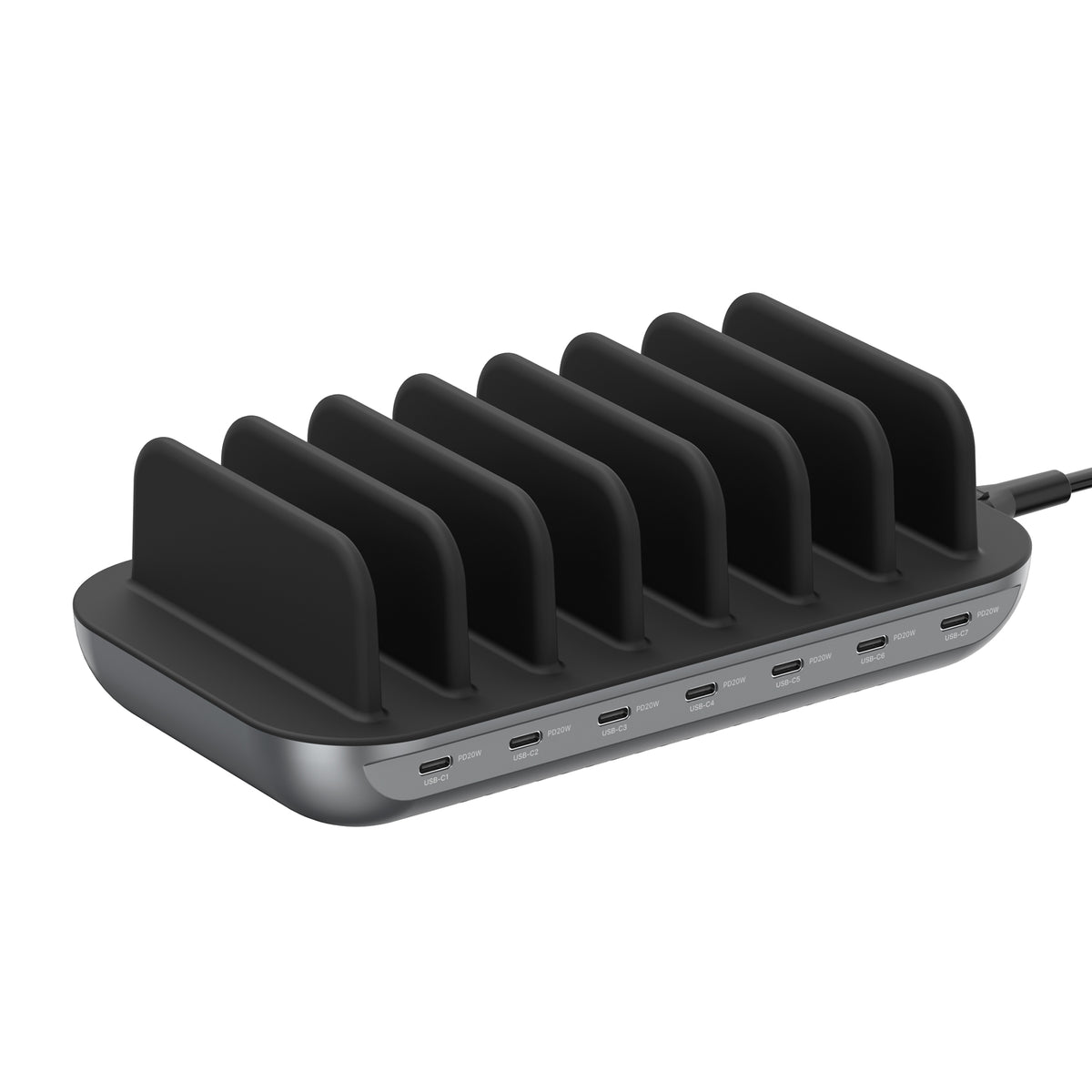
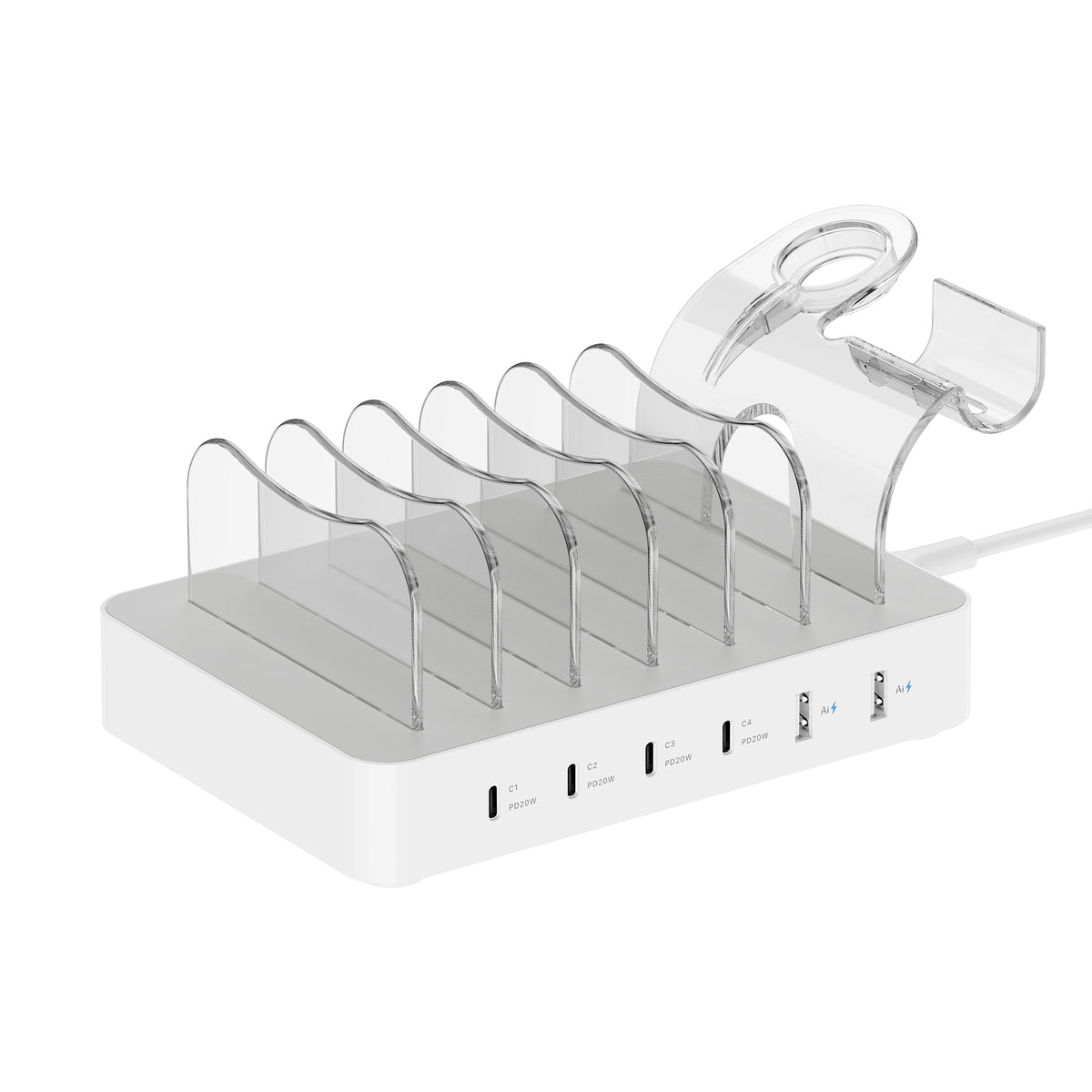
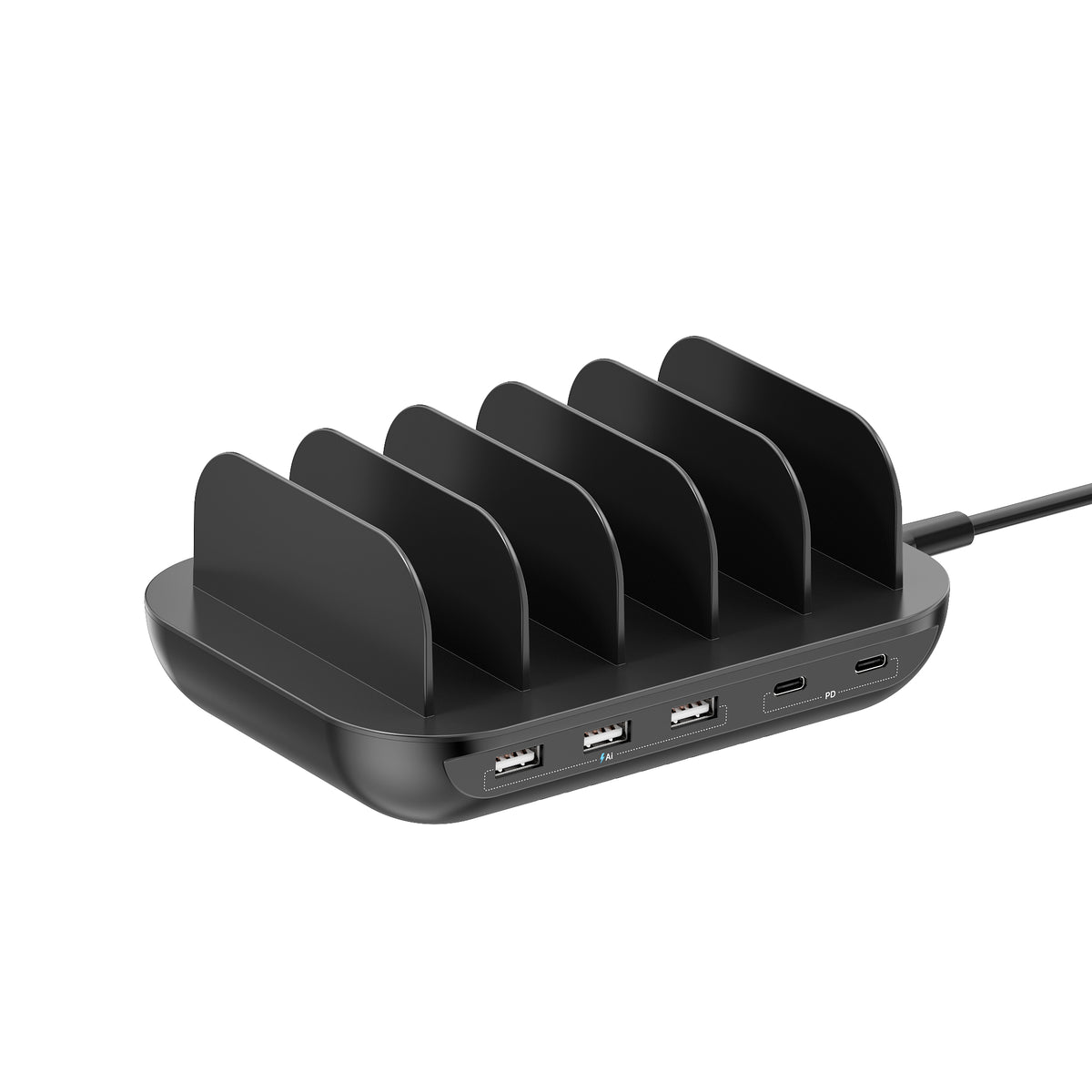
The connector on the charger end sets the ceiling before wattage ratings even enter the picture. A USB-A to USB type-C cable (the old rectangular plug) cannot carry USB Power Delivery — it tops out at legacy protocols like Quick Charge, typically 18W. A USB-C to USB-C cable carries PD negotiation and reaches 60W to 240W depending on its build. If your charger only has USB-A ports, no cable upgrade will make it fast; the port is the limit. A USB charging station with PD ports plus a C-to-C cable is the actual upgrade path.
This is why "USB to USB C charger cable" listings split into two camps: cheap USB-A cords for old accessories, and PD-rated USB C USB C cables for fast charging. They are not interchangeable.
60W vs 100W vs 240W: what the rating actually means
The wattage rating is the cable's safe carrying capacity, set by wire gauge and the current it can handle:
| Rating | Current | E-Marker needed? | Charges |
|---|---|---|---|
| 60W (20V/3A) | 3A | No | All phones, tablets, earbuds, handhelds |
| 100W (20V/5A) | 5A | Yes | Most USB-C laptops |
| 240W (48V/5A, PD 3.1 EPR) | 5A | Yes | High-power laptops, future devices |
A cable rated above your device's draw changes nothing — a 240W cable charges a 20W phone at exactly 20W. The rating is headroom, not speed. The negotiation itself follows USB Power Delivery, published by the USB Implementers Forum; we explain the protocol in USB-C Power Delivery explained.
What is the E-Marker chip — and what it does not do
An E-Marker is a small chip in the USB-C connector that tells the charger the cable's rated current and voltage. Any cable carrying 5A (100W and above) needs one; without it, the charger refuses to send more than 3A and everything clamps at 60W. That is a safety gate, not a speed feature: the E-Marker does not make charging faster — it lets the charger trust the cable with higher power.
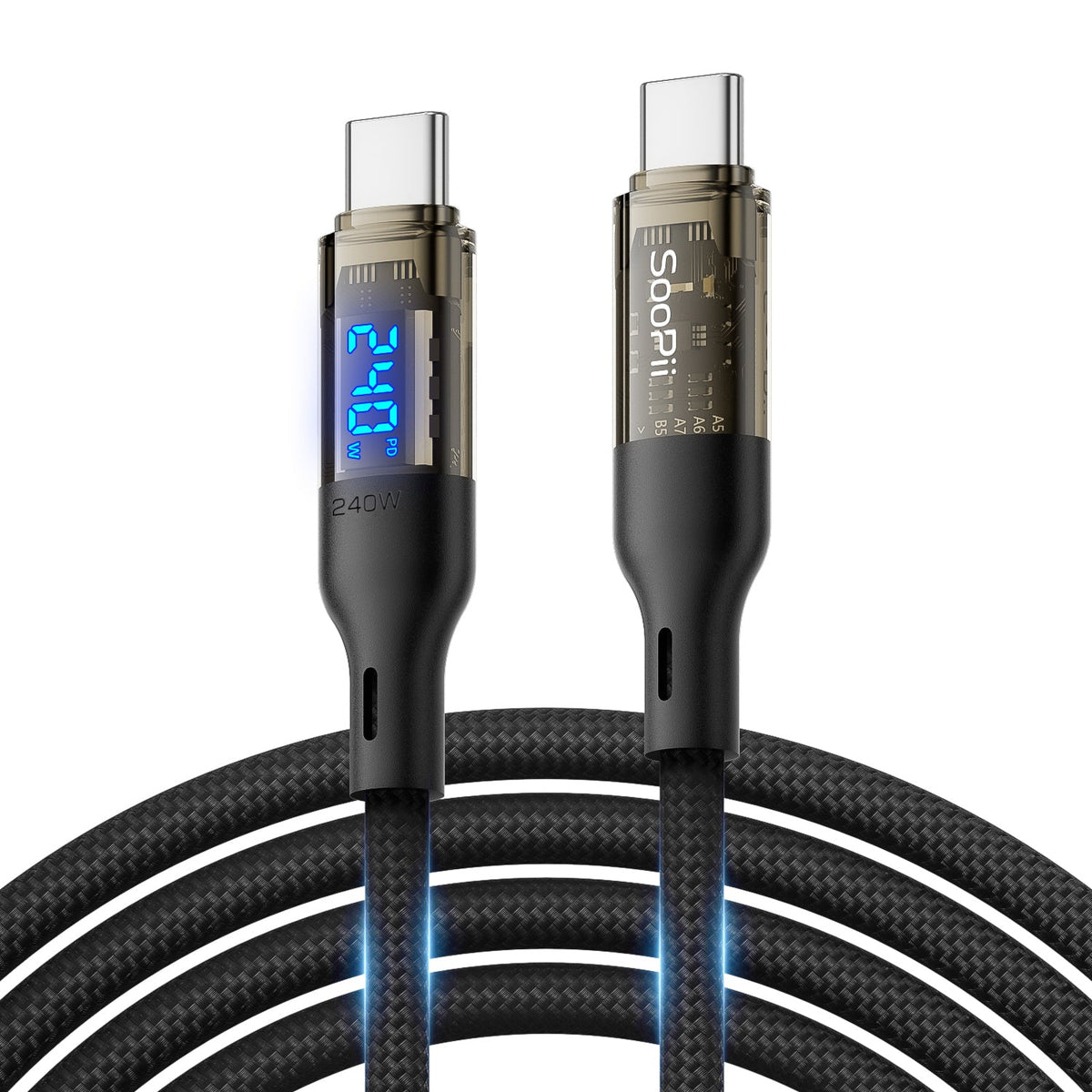
In the SooPii cable range, the 240W models — S69, S70CC, S45CC — all carry an E-Mark chip in the connector. The 60W cables do not need one.
Do charging cables carry data too?
Yes, but slowly. Almost every USB C cord sold for charging — including every SooPii cable — runs USB 2.0 data at 480 Mbps. That moves photos and documents fine; it does not drive a monitor or run a fast SSD. Cables that carry video or 10–40 Gbps data are a different, thicker, more expensive product. If a listing claims both 240W charging and 40Gbps data at a charging-cable price, be skeptical.
Length, build and the drawer problem
Longer cables add resistance; at 3A a 3m cable is still fine, but buy the shortest length that reaches. For a charging station on the desk, 20cm cables keep every wire inside the station's footprint — the S33 10-pack and S105CC 6-pack with cable clip exist for exactly this. Braided nylon jackets survive daily bending better than bare PVC; the S33 is rated for 15,000+ bends.
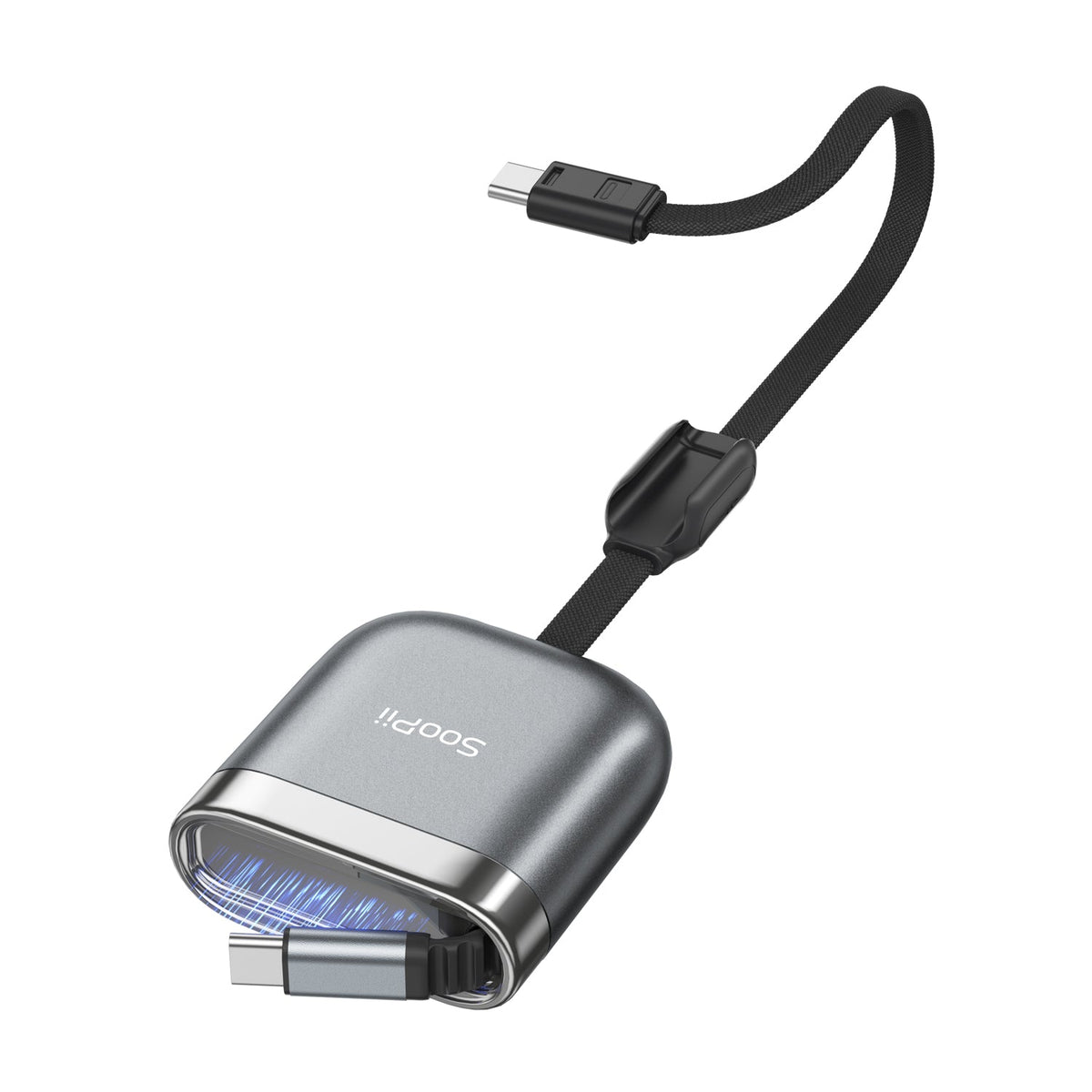
If loose cables are the real problem, a retractable USB type C charging cord removes it: the S86 ultra-slim and S96 8-stage pull out to length and snap back flush. Our retractable cable guide covers stages and mounts in detail.
Want to see the actual wattage?
LED-display cables show real-time charging power on the connector, so you can verify the whole chain — charger, cable, device — is delivering what it claims. The S10CC (100W) comes in four lengths from 0.3m to 3m; the S70CC (240W) adds the E-Mark chip for laptop-class loads. It is the cheapest way to catch a throttling cable or a tired charger.
Which USB C charger cord for which job?
- Phone + tablet, one cable everywhere: any 60W C-to-C — S105CC for the desk, H1 Cable 2-pack for the bag.
- Laptop and phone with one cable: 100W+ E-Marked — S10CC or S69.
- Maximum headroom, PD 3.1: S45CC or S70CC, 240W with live wattage display.
- Zero loose cables: S86 ultra-slim or S96 8-stage with desk mount.
Browse all USB-C cables — every model ships with the rating printed on the listing, not buried in marketing copy.
Quick answers on USB C cords
Is a "USBC cable" different from a USB-C cable? No — usbc cable, usbc cord, USB C cord and USB type C charging cable are all the same connector written differently. What differs is the rating printed on the listing: 60W, 100W or 240W.
Can I use a USB C to USB C cable charger bundle from another brand? Yes. USB-C is a standard, not a brand lock-in — any PD-rated USB C to USB C cable works with any PD charger. Match the wattage rating to your highest-draw device and the chain negotiates the rest.
Read more
- Retractable USB-C cables: how to choose
- USB-C Power Delivery explained
- Desk cable management: a practical guide
About this guide
Specifications in this article are manufacturer specifications from SooPii product pages and spec sheets (verified November 24, 2026), not independent lab measurements. Wattage ceilings and E-Marker behavior follow the USB Power Delivery specification as published by USB-IF. Certification scope varies by model and market — see each product page for the marks that apply to the unit sold in your region.
By the SooPii product team. Last updated November 24, 2026.