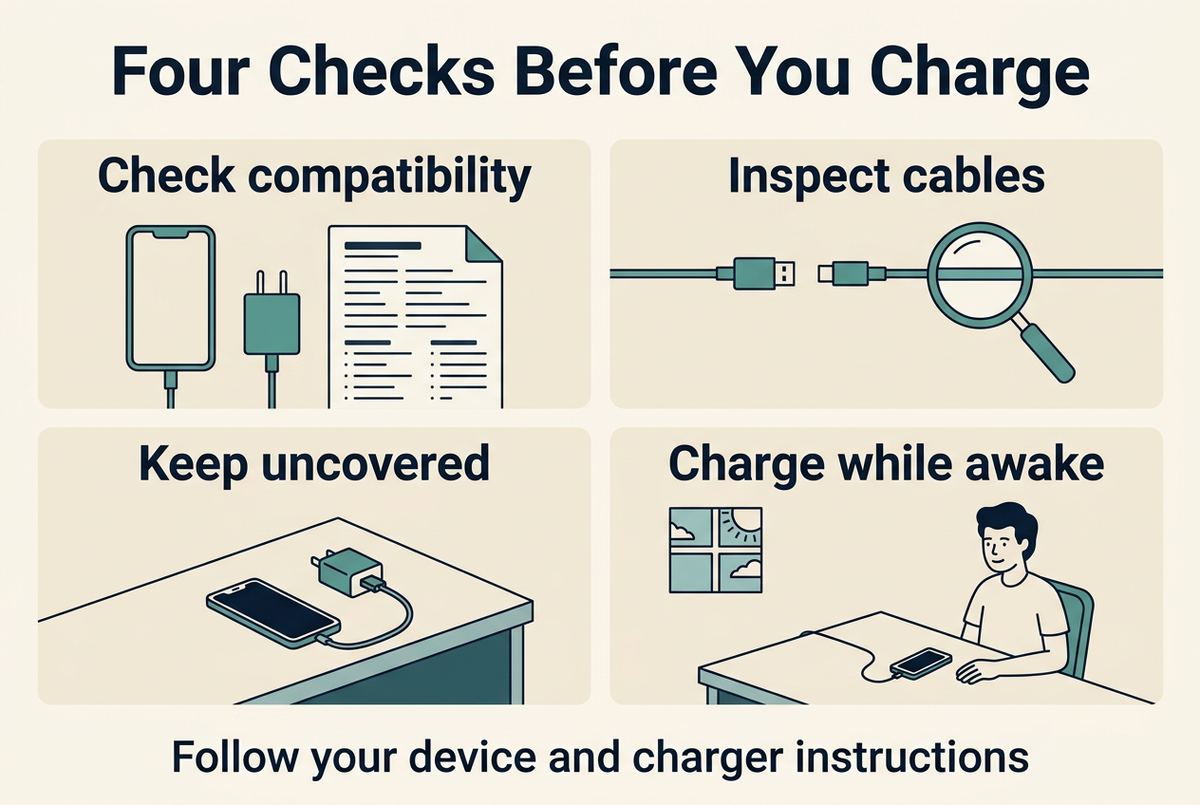




A desk charging station replaces the tangle of wall adapters behind your monitor with one unit and one power cord. The right one charges your phone, tablet, earbuds and watch at the same time, fits the space beside your keyboard, and keeps every cable off the desk surface. This guide covers how to size it, where to put it, and how to avoid buying a data hub by mistake.
Short answer: count the devices you charge at the desk, add up their wattage, then pick a station whose total output covers that number with headroom. For a typical phone-plus-tablet-plus-earbuds desk, 60–90W across six ports is enough. Placement and cable routing decide whether the setup actually looks clean.
What is a desk charging station — and what is it not?
A desk charging station is a multi-port USB charger that sits on your desk and charges several devices from one wall outlet. It is not a USB hub or a docking station: a hub moves data between your computer and peripherals, and a docking station connects a laptop to monitors and Ethernet. Search results for "multi USB charger station hub" mix all three together, so check the spec sheet — if it has no USB-C PD output ratings, it is a data device, not a charger.
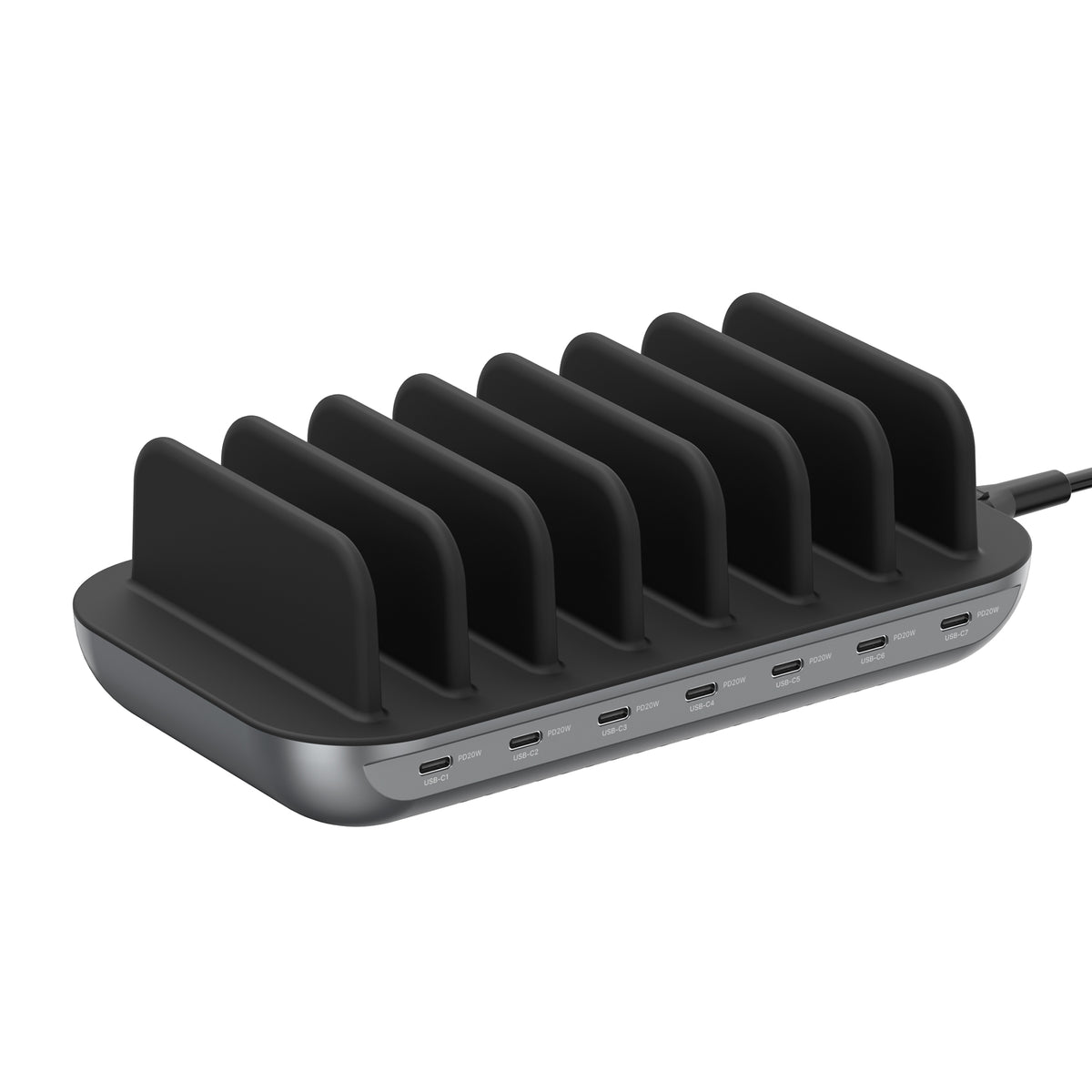
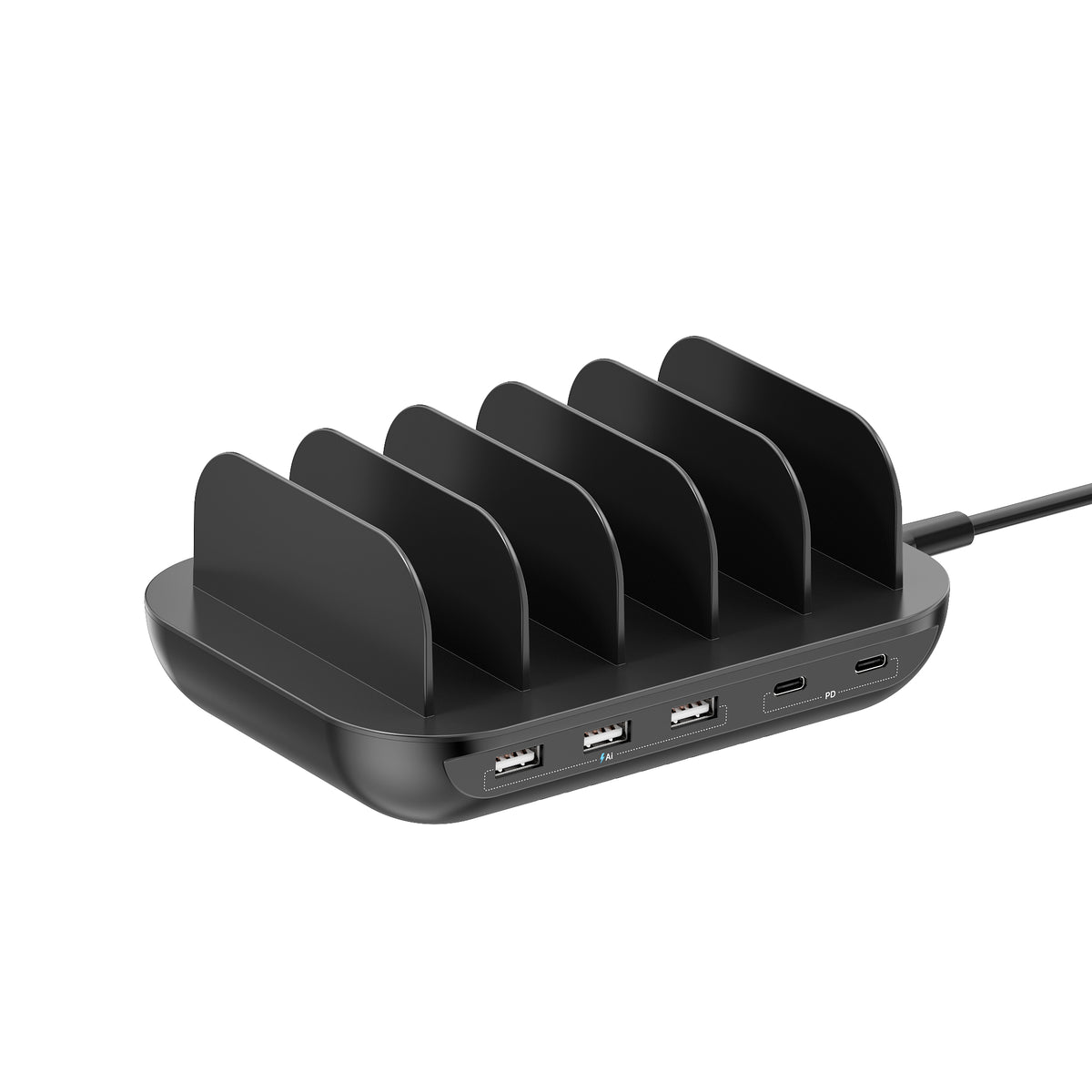
A multi USB charger station hub in the charging sense is simply a station with enough ports for a whole desk: phones, tablets, earbuds, a watch, a handheld console. The SooPii charging station range runs from 4 to 10 ports and 22W to 200W.
How much wattage does your desk actually need?
Add up the devices you charge simultaneously, not the ones you own. A phone draws up to 20–27W, a tablet up to 30–45W, earbuds and a watch about 5W each. A phone + tablet + earbuds desk needs roughly 60W of total output; two phones and a tablet land near 90W. Add about 20% headroom so nothing throttles when every port is busy.
Two numbers matter on the spec sheet: total wattage (the shared budget) and maximum single-port output (what one device can pull). USB Power Delivery negotiates power per port — the standard is published by the USB Implementers Forum. A station with dedicated per-port power, like the CS70 Pro at 20W on each of its seven ports, holds full speed even with every port filled.
SooPii stations charge phones, tablets and accessories — they are not laptop chargers. If your laptop needs power at the desk, that is the job of its own adapter plugged into an AC outlet, which is where a charging station vs power strip decision comes in.
Does it fit? Footprint and shape on a real desk
Check the base dimensions before buying — "compact" in a product description can mean anything. On a 100cm desk you realistically have 15–20cm beside the keyboard for a charger. Three shapes solve this differently:
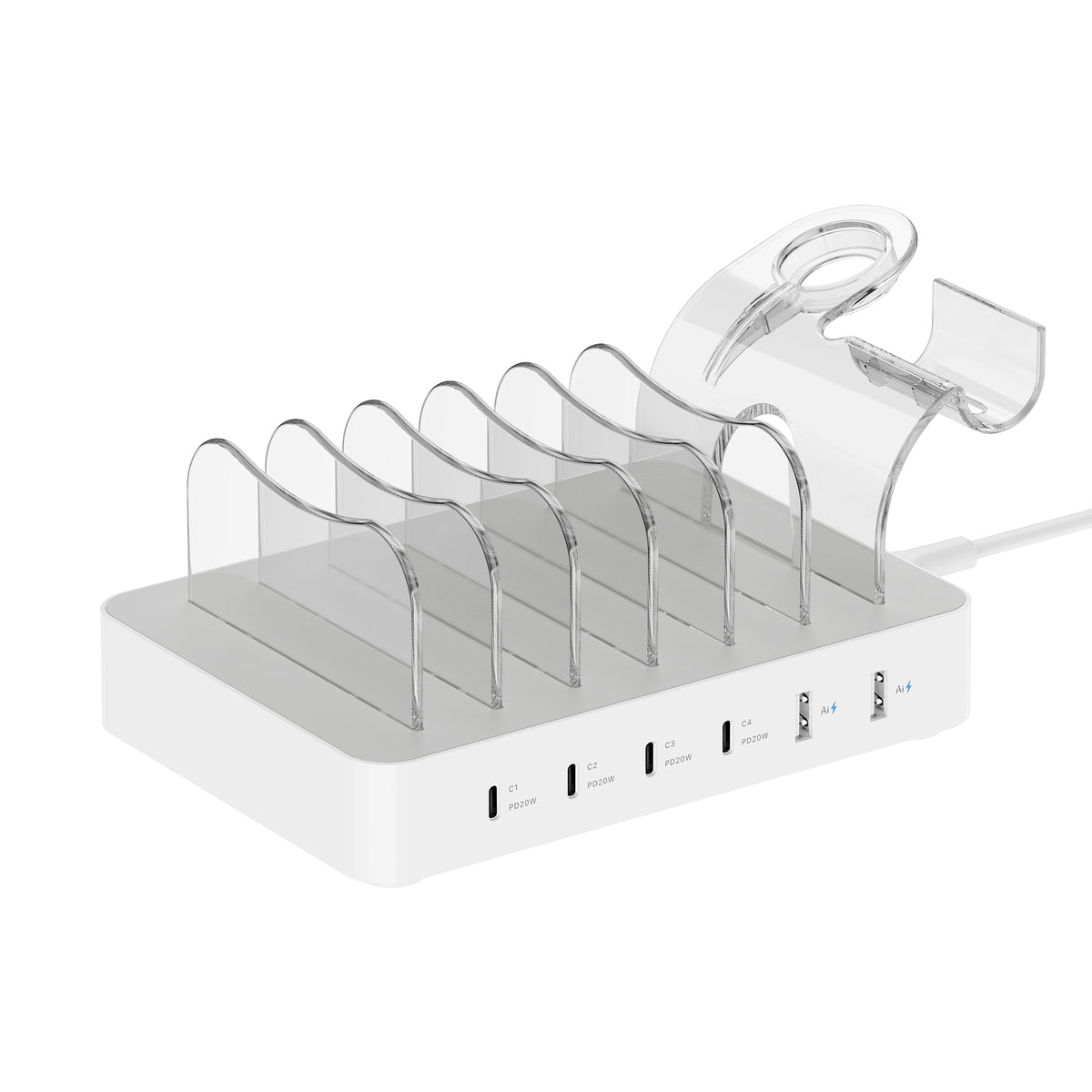
- Flat station with device slots: the CS45 Mini is 15 × 9.2cm with five slots and detachable dividers — devices stand upright in the station itself, so nothing leans against your monitor.
- Vertical tower: trades desk area for height. The TPS10 stacks ten AC outlets and four USB ports in three tiers on a small base — the right shape when AC plugs outnumber USB devices.
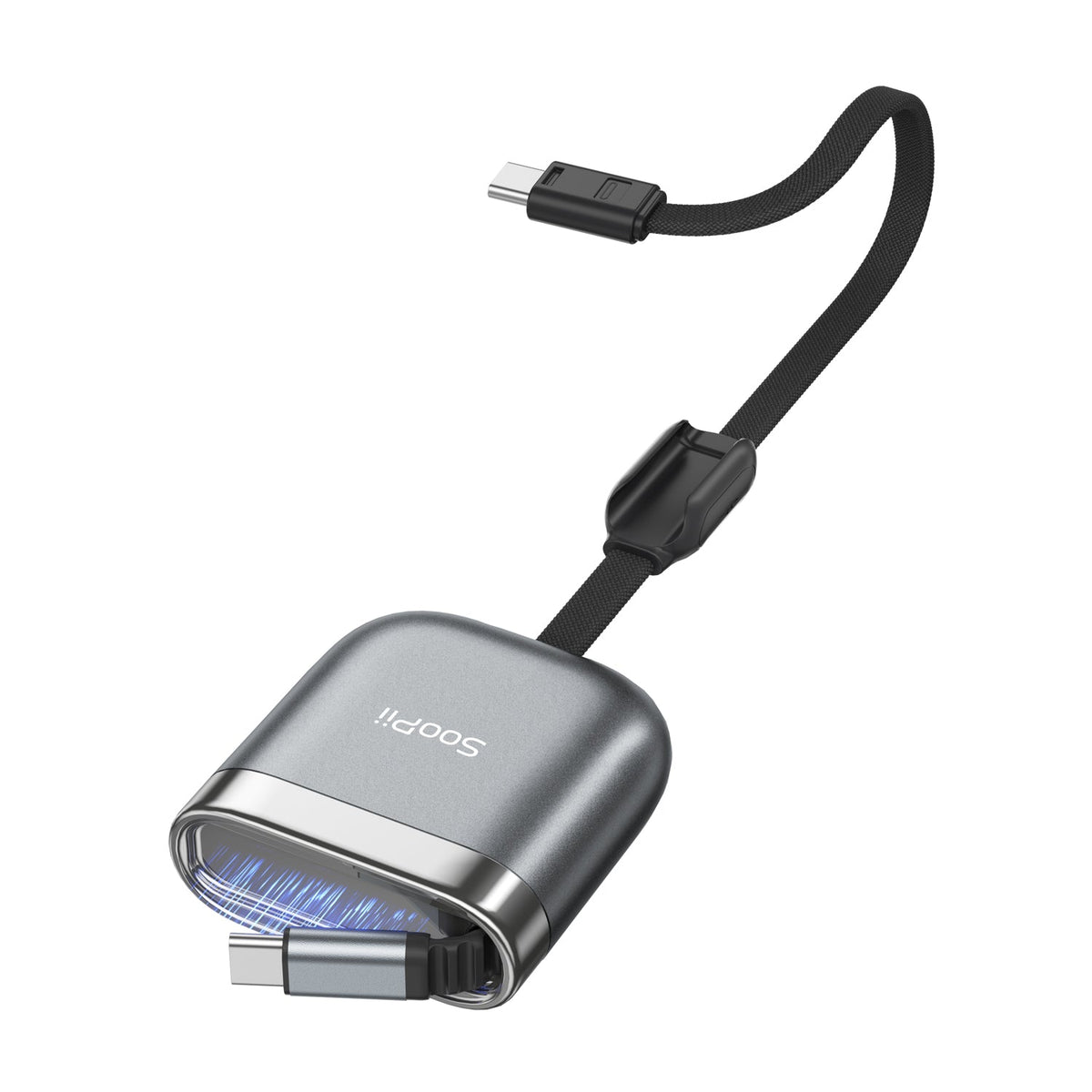
- Retractable hub: the H1 builds six cables into the body; nothing is left on the desk when you are done charging.
Where should it sit, and how do you route the cables?
Put the station on the side of your dominant hand, within arm's reach but outside the keyboard-mouse zone. Run its single power cord down the back edge of the desk — a self-adhesive cable clip at the desk edge keeps it from dangling. If your desk has a grommet hole, route through it and mount the station under the desk; only the charging cables surface.
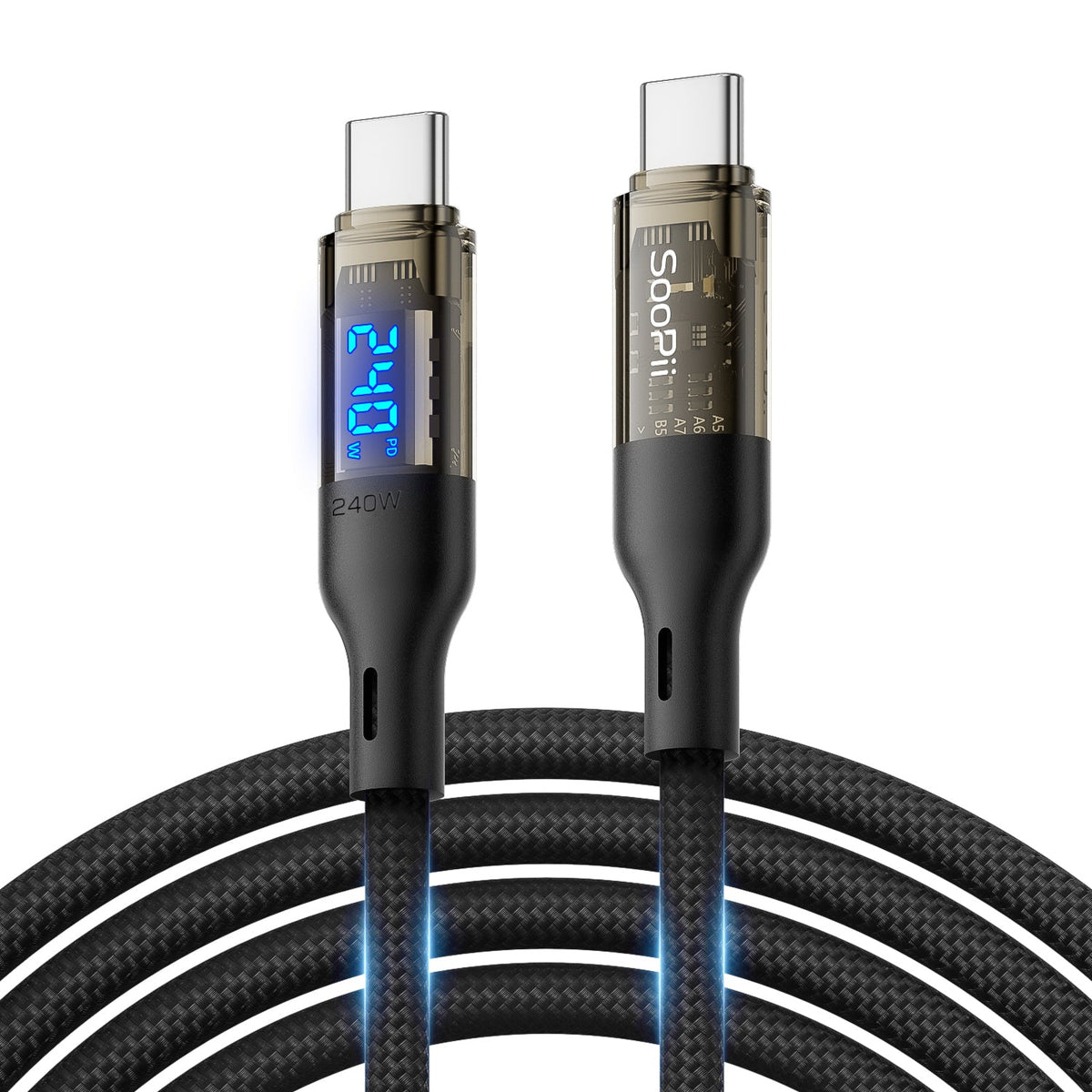
Short cables are the cheapest upgrade most desks never make: a 20cm cable between station and phone stays inside the station's footprint instead of coiling across the desk. The S33 8-inch cable pack exists for exactly this. For the full routing method — trays, sleeves, under-desk nets — see our desk cable management guide.
Wired, wireless, or both?
A wireless pad removes one cable but charges slower: standard Qi pads top out around 15W, and iPhones take 7.5W on basic Qi. If your phone lives on the desk all day, a drop-and-charge pad is convenient; if you need it fast before leaving, plug in. For most desks a wired station is the better core — every port delivers full speed, and a short cable into a device slot looks as clean as a pad. All SooPii stations are wired; add a standalone Qi pad beside one if you want drop-and-charge for a single phone.
Do you need AC outlets on the same unit?
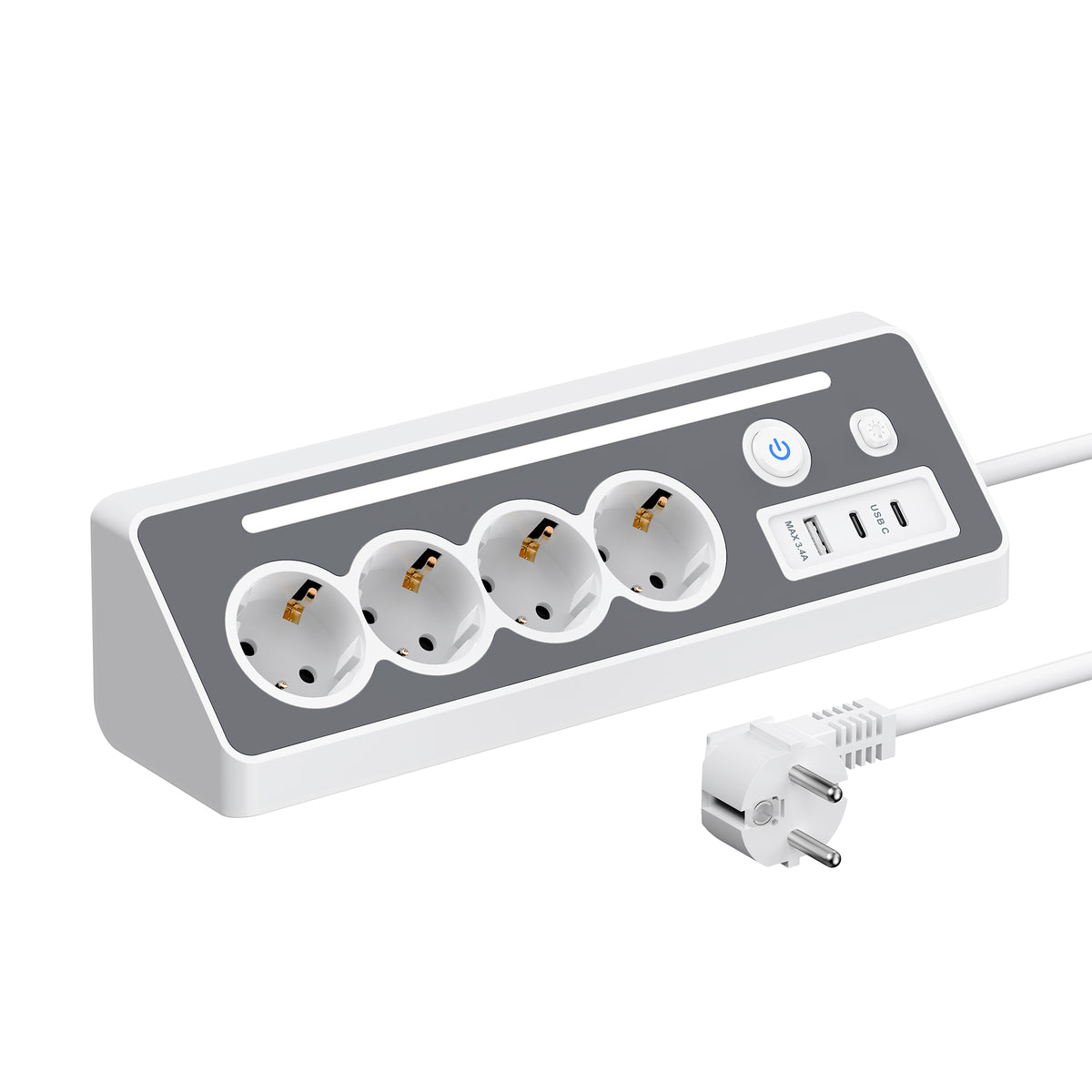
Only if something at your desk is not USB: a monitor, a lamp, a laptop brick. The U3 combines six USB ports with three AC outlets in one desk unit. If AC is the main requirement rather than an add-on, a power strip with USB is the cheaper shape — towers and cubes put the outlets vertical and keep the footprint small.
Desk charging station picks by setup
| Your desk | Pick | Why |
|---|---|---|
| Phone + earbuds only, tiny desk | CS45 Mini | 35W, 4 ports, 15cm base, 5 device slots |
| Phone + tablet + watch, mixed cables | CS60 Pro | 90W, 4 USB-C + 2 USB-A, 6 cables included |
| All USB-C, several devices at once | CS70 Pro | 7 independent 20W ports, nothing throttles |
| Cables are the mess | H1 | 6 retractable cables built in, zero loose wires |
| Monitor + lamp + USB devices | U3 | 6 USB + 3 AC outlets in one unit |
Read more
- Which SooPii charging station should you buy? Model-by-model comparison
- USB-C Power Delivery explained: what the wattage numbers mean
- Is it safe to leave devices charging overnight?
About this guide
Specifications in this article are manufacturer specifications from SooPii product pages and spec sheets (verified November 24, 2026), not independent lab measurements. Per-port output describes the USB Power Delivery maximum each port negotiates; actual draw depends on the device. Certification scope varies by model and market — see each product page for the marks that apply to the unit sold in your region.
By the SooPii product team. Last updated November 24, 2026.