



A multi port USB charger is any charger with more than one USB output — from a two-port wall plug to a ten-port USB C charging station on your desk. They are not interchangeable: the wrong shape gives you either a pocket charger that throttles when the second device plugs in, or a desk brick you never move. This comparison covers the four formats, the wattage math that actually matters, and thirteen SooPii models side by side.
Short answer: for travel, a 2–3 port GaN wall charger is enough. For a desk or a family charging spot, a multi port USB charger with six to ten ports and a stated per-port output is the better buy — total wattage alone does not tell you how fast ten devices charge at once.
Wall charger, desktop station, retractable hub or power strip?
The four formats solve different problems:
- Wall charger (2–3 ports): plugs straight into the outlet, pocket-size, usually GaN. Right for travel and single-device-plus-earbuds. Weak when three or more devices draw at once — the power split cuts every port.
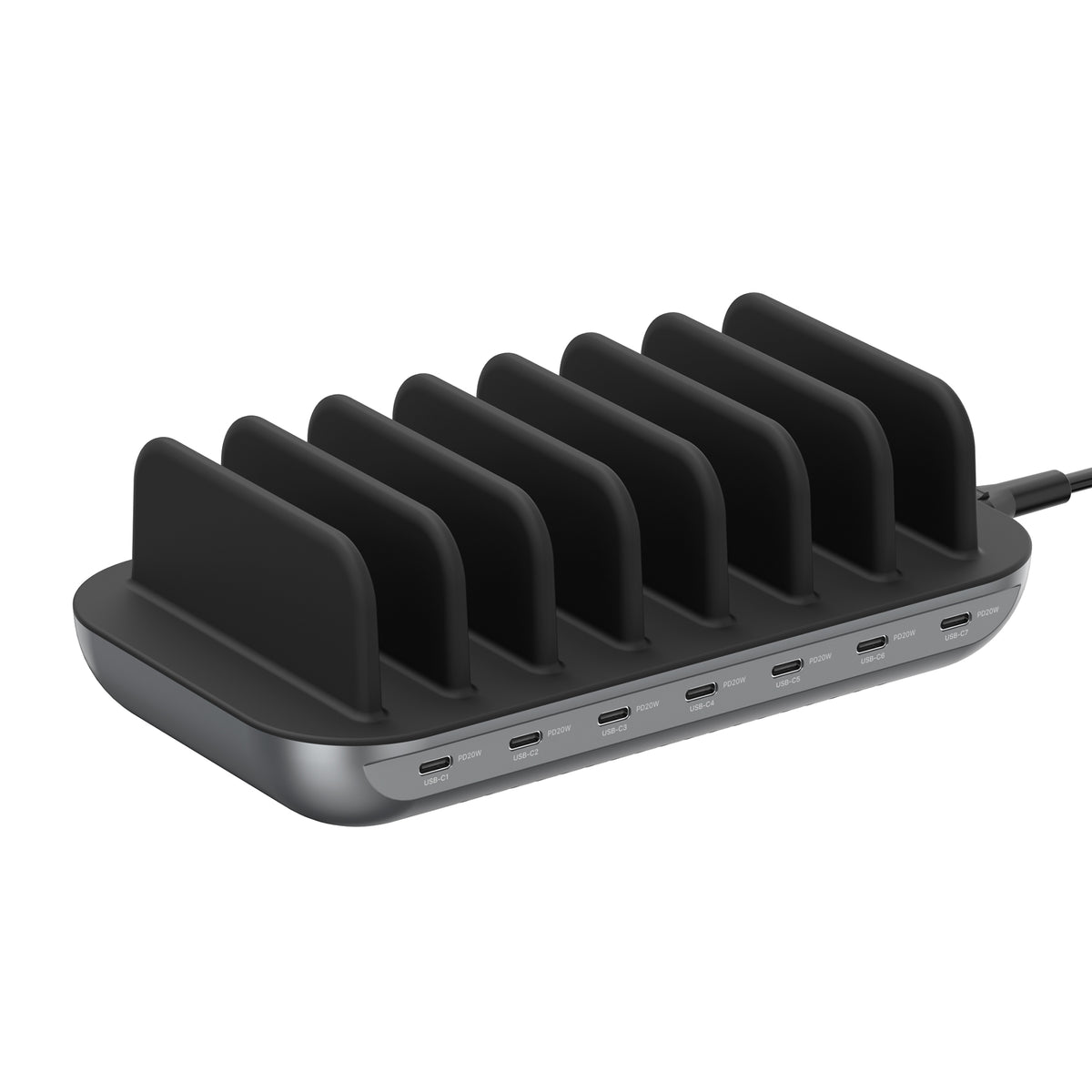
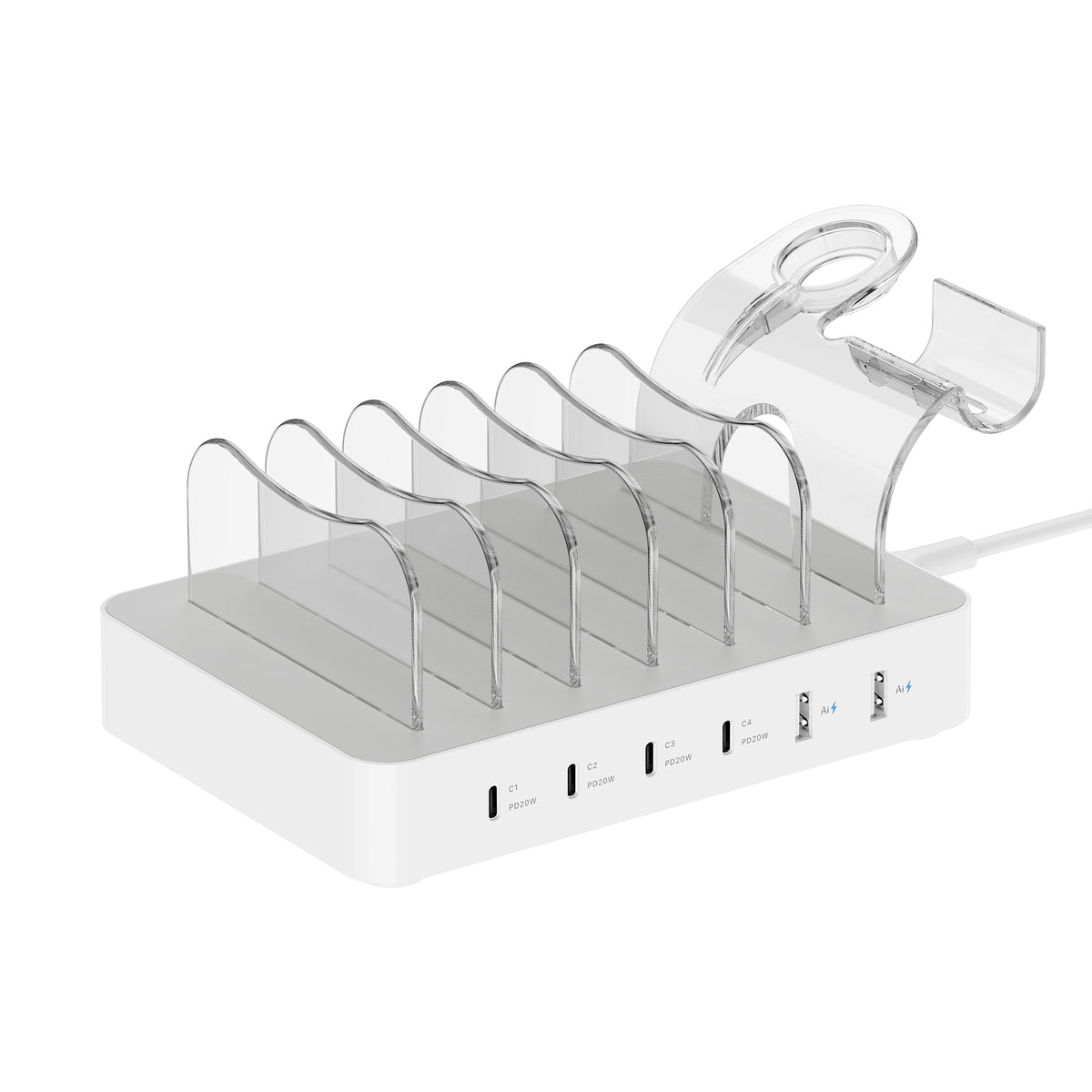
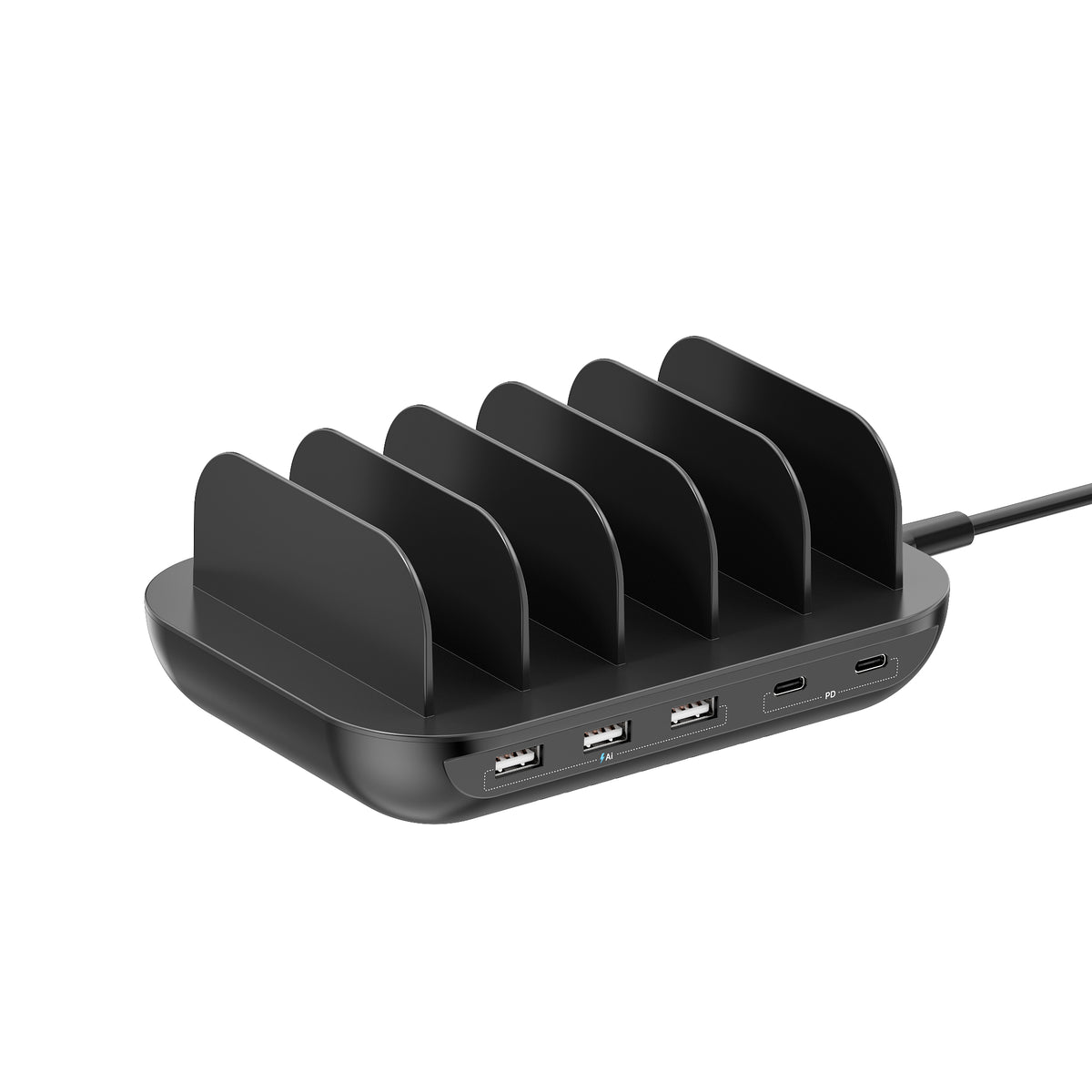
- Desktop USB C charging station (4–10 ports): sits on the desk with a power cord, often with device slots and included cables. The right shape for a permanent charging spot. The SooPii station range covers 22W to 200W.
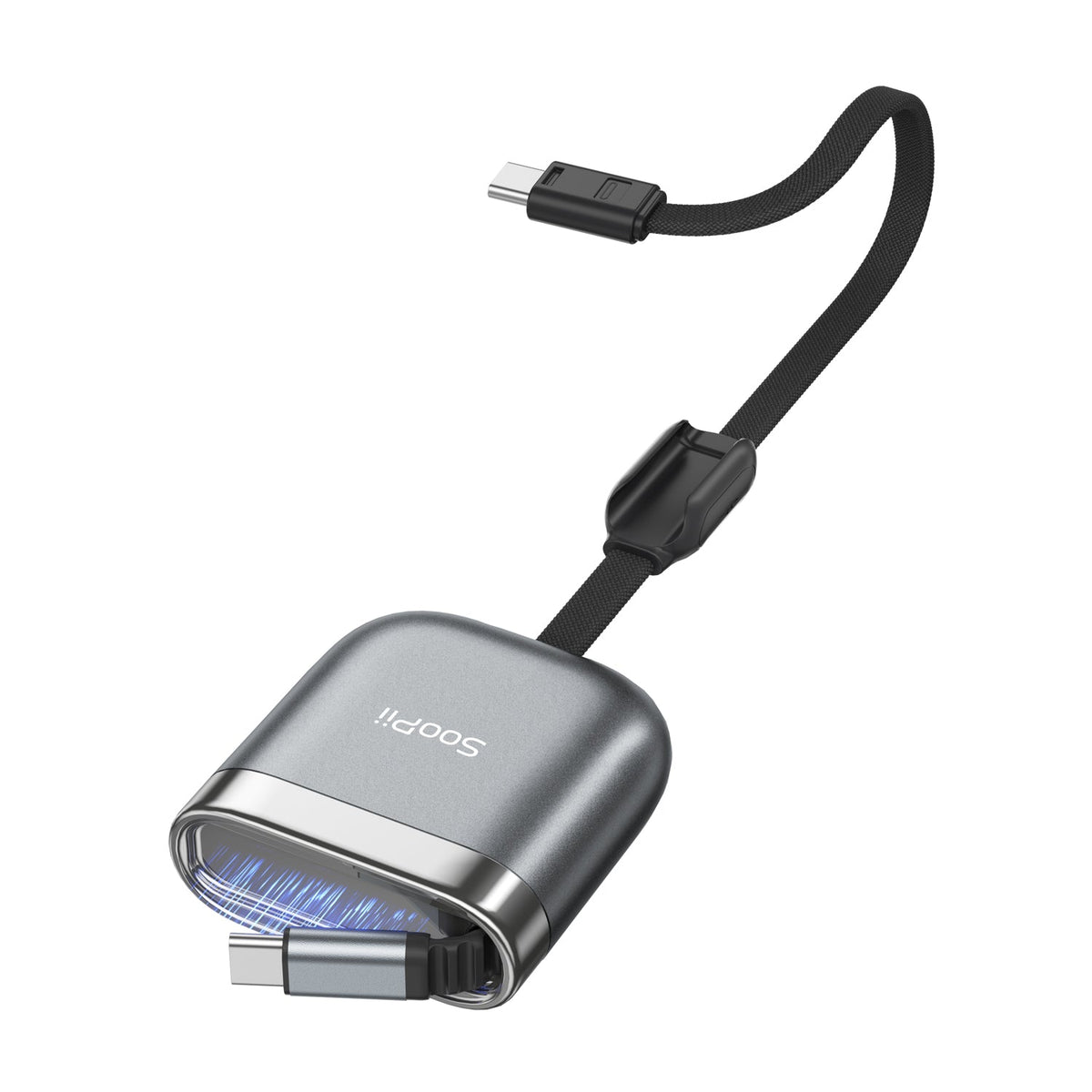
- Retractable-cable station: a desktop station with the cables built in. The H1 and H1 Pro pull out to length and retract — no loose cables at all.
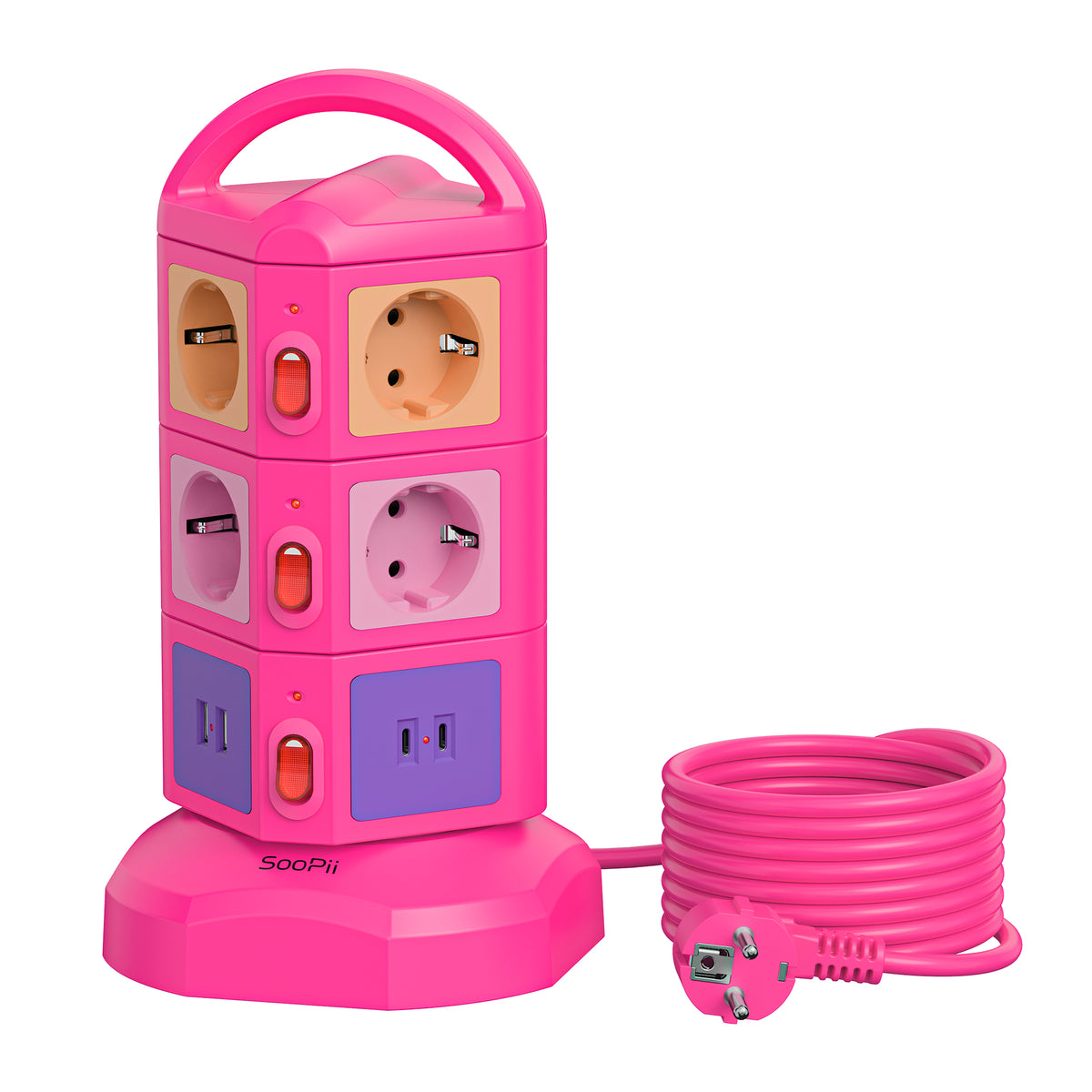
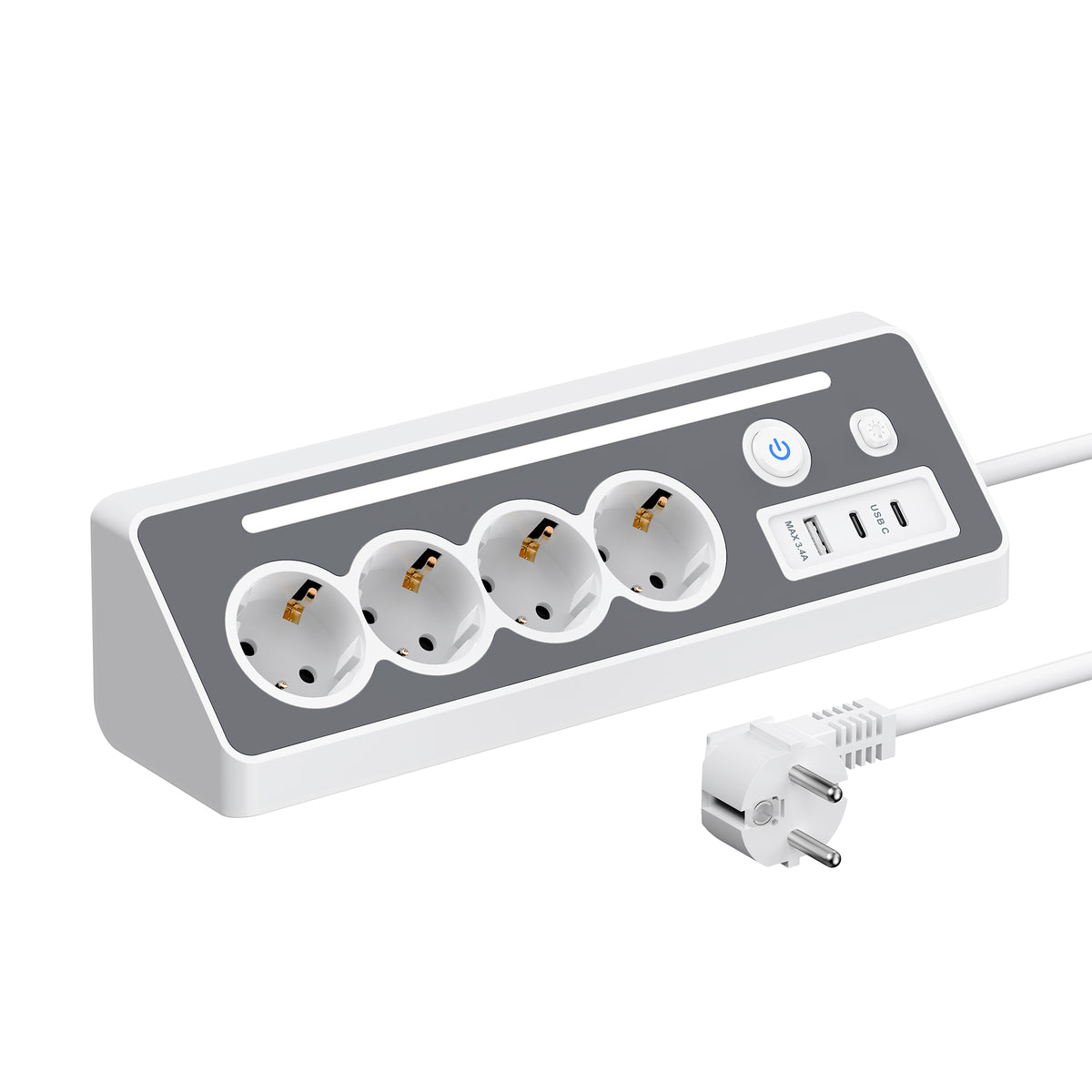
- Power strip with USB: mostly AC outlets plus a few USB ports. Buy this when monitors and lamps outnumber phones — see charging station vs power strip.
Shared vs dedicated wattage: the spec that decides speed
Every multiport USB charger has a total wattage budget. What differs is how it is divided. A shared design splits the budget across active ports: a 60W six-port unit charging six phones delivers roughly 10W each. A dedicated design gives each port its own supply: the CS70 Pro holds 20W on all seven ports at the same time because 7 × 20W = its 140W budget exactly.
The tell is arithmetic: multiply the stated per-port output by the port count. If it equals the total wattage, every port holds full speed simultaneously. If the per-port number is a "max" that exceeds total ÷ ports, expect power reallocation when ports fill up. USB Power Delivery negotiates this per port — the standard is published by the USB Implementers Forum, and we break down the numbers in USB-C Power Delivery explained.
Does GaN matter in a multiport charger?
GaN (gallium nitride) is a semiconductor that converts power more efficiently than silicon, so less energy becomes heat and the body can be smaller. It matters most above 100W and in wall chargers where size is the point. It does not make your phone charge faster — a 20W GaN port and a 20W silicon port deliver the same 20W. In the SooPii range, the CS200 and the H1 retractable stations use GaN; the lower-wattage stations do not need it.
USB-C only, or a mix with USB-A?
Check your cable drawer, not your newest device. All-USB-C stations give every port PD fast charging; mixed stations keep older accessories alive without adapters. USB-A ports typically top out around 12–18W — fine for earbuds and older phones, slow for tablets. If everyone in the house has moved to USB-C, buy USB-C only. If one micro-USB speaker remains, buy the mix.
13-model comparison table
| Model | Total | Ports | Per-port behavior | Shape |
|---|---|---|---|---|
| CS45 Mini | 35W | 2 USB-C + 2 USB-A | Shared; USB-C PD 20W max | Compact, 5 slots |
| CS50 | 35W | 2 USB-C + 3 USB-A | Shared; 20W C / 12W A | Compact |
| CS60 | 60W | 1 USB-C + 5 USB-A | Shared | Desktop, 6 cables |
| CS65 | 60W | 2 USB-C + 4 USB-A | Shared | Desktop, 6 cables |
| CS60 Pro | 90W | 4 USB-C + 2 USB-A | Shared, more headroom | Desktop, 6 cables |
| CS70 | 70W | 7 USB-C PD | Shared | Desktop, 7 cables |
| CS70 Pro | 140W | 7 USB-C PD | 20W dedicated × 7 | Desktop, 7 cables |
| CS101 | 100W | 10 USB-C PD | 20W PD max per port | Upright, 10 slots |
| CS102 | 100W | 6 USB-C + 4 USB-A | Shared; 20W C / 12W A | Upright, 10 slots |
| CS200 | 200W | 10 USB-C PD | 20W dedicated × 10, GaN | Upright flagship |
| H1 | 60W | 4 USB-C + 2 Lightning | Shared; 20W max single | 6 retractable cables, GaN |
| H1 Pro | 120W | 4 USB-C + 2 Lightning | 20W independent × 6 | 6 retractable cables |
| U3 | 60W | 6 USB + 3 AC outlets | Shared | Hybrid with AC |
All SooPii stations charge phones, tablets and accessories — they are not laptop chargers. Cables are included with every model above; the CS200 ships three Lightning and seven USB-C cables for mixed households.
Which is the best USB charging station for your setup?
- One desk, phone + earbuds: CS45 Mini — smallest footprint, five device slots.
- Desk with a tablet, all USB-C: CS70 Pro — the tablet keeps 20W even with all seven ports busy.
- Family charging station, mixed cables: CS102 — ten ports, six USB-C plus four USB-A.
- Shared workspace, ten devices at full speed: CS200 — 200W covers 10 × 20W with nothing shared.
- Cable clutter is the real problem: H1 Pro — six built-in retractable cables at 20W independent each.
For the deeper model-by-model walkthrough, read which SooPii charging station should you buy; for placement and cable routing, the desk charging station setup guide.
Read more
- How to choose a 10-port charging station
- How to set up a family charging station
- Is it safe to leave devices charging overnight?
About this comparison
Specifications in this article are manufacturer specifications from SooPii product pages and spec sheets (verified November 24, 2026), not independent lab measurements. Per-port output describes the USB Power Delivery maximum each port negotiates; actual draw depends on the device. Certification scope varies by model and market — see each product page for the marks that apply to the unit sold in your region.
By the SooPii product team. Last updated November 24, 2026.